
The most common monitoring deployment mistakes — and how to avoid them
Monitoring deployments stumble over the same mistakes: sensors in the wrong places, thresholds set too tight, no response plan. Here is how to avoid them.
Zespół Nextriv4 min read

In this article
- Where deployment mistakes come from
- Mistake 1: sensors measuring the wrong thing
- Mistake 2: thresholds set "right at the line" — and the team stops reading alarms
- Mistake 3: no alarm response plan
- Mistake 4: the gateway hung wherever there was a socket
- Mistake 5: nobody watches the system itself
- Mistake 6: a "big bang" rollout instead of a pilot
- Mistake 7: data collected but unused
- Summary
An environmental monitoring deployment rarely derails on technology — the mistakes that really hurt are organisational and conceptual: a sensor hung in the wrong spot, thresholds set "right at the line", alarms nobody picks up. The good news is that the list of these missteps is short and repeatable. In this article we collect the seven most common monitoring deployment mistakes — along with how to avoid them at the planning stage, before any of them gets a chance to cost you.
Where deployment mistakes come from
The common denominator of most problems is treating the deployment like a hardware purchase: order the sensors, hang them up, done. Monitoring, however, is a system of three layers — measurement, rules and human response — and each of them can fail on its own. The best sensor achieves nothing if it measures the wrong thing; the best thresholds achieve nothing if the notification lands in an inbox nobody reads on weekends. An overview of the features that close these layers is on the platform features page — and below, the mistakes we see most often.
Mistake 1: sensors measuring the wrong thing
A sensor by the door measures the door traffic, a sensor above a radiator measures the radiator, and an air sensor inside a fridge measures every single opening. The result is data that is formally correct but useless, and alarms with nothing behind them.
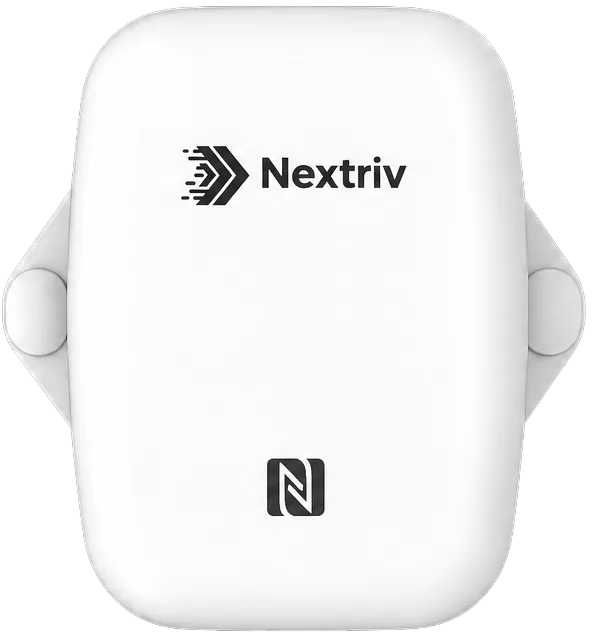
How to avoid it: plan the placement starting from the question "whose temperature do I want to know?". A room — sensor away from heat sources, vents and doors, at the height where goods are stored. A refrigeration unit — probe inside (ideally in a thermal buffer, so it tracks product temperature, not air), transmitter outside the metal enclosure. The all-round Nextriv Sense Essential works both indoors and outdoors (IP67), so one model covers most points — but it is still you who decides where it hangs.
Mistake 2: thresholds set "right at the line" — and the team stops reading alarms
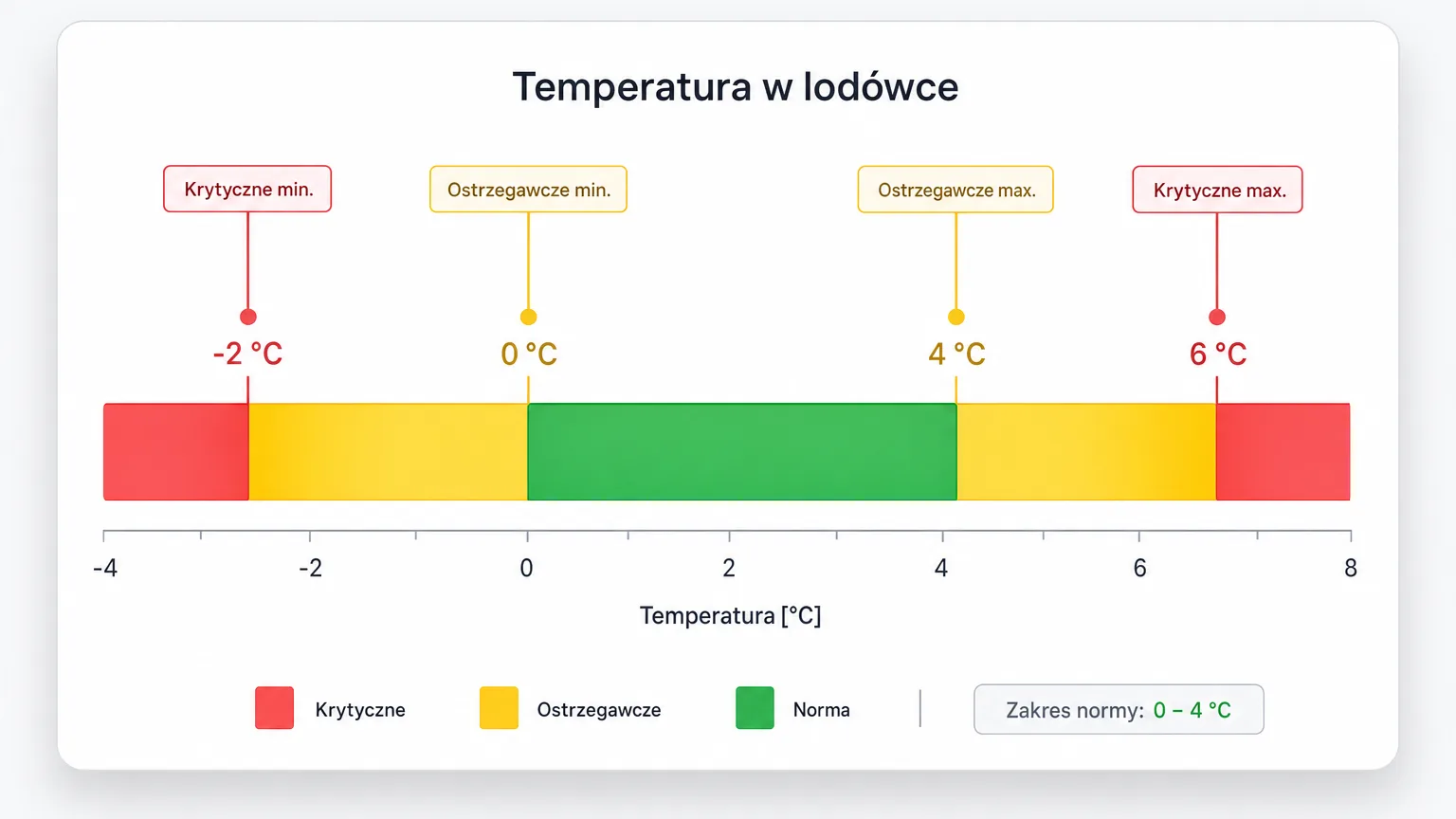
An alarm threshold equal to the limit of the norm is a recipe for alert fatigue: every swing after a delivery or a door opening generates a notification, after two weeks everyone ignores them, and after a month nobody notices the one that was real.
How to avoid it: use two levels. The Nextriv platform gives you up to four thresholds per metric — warning and critical, lower and upper. Set the warning with room to respond (e.g. 5 °C for a fridge run at 0–4 °C), and the critical alarm where real damage begins (e.g. 8 °C). Event deduplication meanwhile makes sure one problem is one thread — with a code, a status and comments — rather than an avalanche of a hundred notifications.
Mistake 3: no alarm response plan
The most expensive mistake on the list. The system worked, the notification went out — and nothing. Because it went by e-mail to someone on holiday, because the night shift did not know what to do, because "someone was supposed to check it".
How to avoid it: for every rule answer three questions: who gets the notification, through which channel (there are six to choose from: e-mail, SMS, web push, Microsoft Teams, Discord, an audible in-app alarm) and what happens when they do not react. The last one is closed by escalation policies: an unacknowledged alarm moves to the next person after a set time — until it sticks. Add a simple response instruction ("check the compressor, move the stock, acknowledge the alarm in the app") and rehearse it once for real.
Mistake 4: the gateway hung wherever there was a socket
The gateway's location determines the link quality of the whole system — yet it tends to be chosen by the nearest free socket. The result is sensors on the edge of range and transmission gaps from the farthest points.
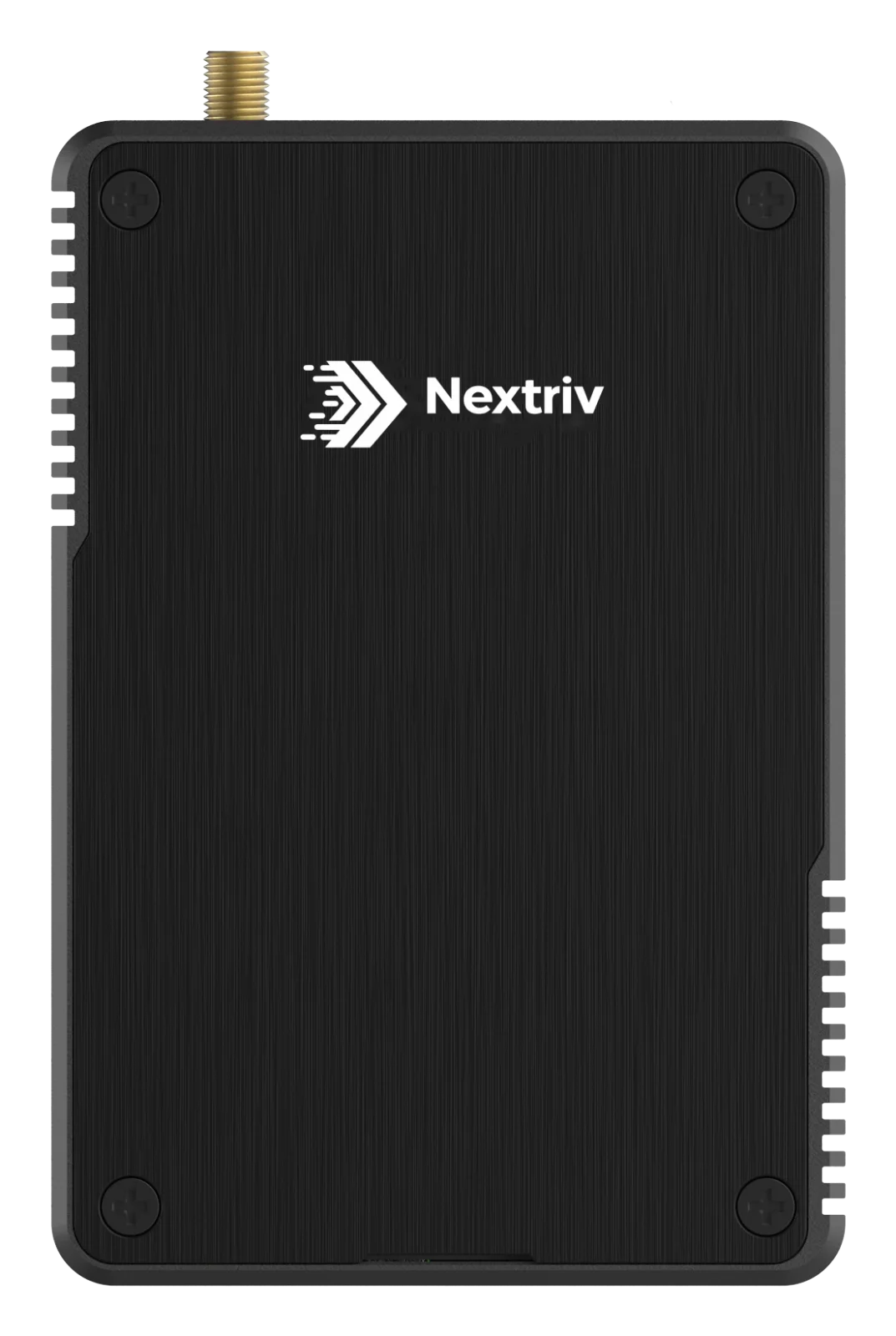
How to avoid it: place the gateway as centrally as possible relative to the sensors, away from dense metal obstacles. Long-range radio reaches roughly 2 km in built-up areas and up to 15 km in open terrain, so on a typical site the margin is large — but basements, chambers and steel halls can eat it up. In larger and harder buildings, hardware of the class of Nextriv Hub Compact does the job: signal through three storeys, support for around 2,000 sensors and backup links (Ethernet, Wi-Fi, optionally 4G) with automatic failover when the primary one goes down.
Before "signing off" the deployment, simply check that all sensors are reporting regularly — a five-minute test that saves weeks of guesswork.
Mistake 5: nobody watches the system itself
Monitoring needs monitoring too. A sensor with a dead battery or a gateway unplugged by the cleaning crew will not send a temperature alarm — it will send silence, and silence looks identical to "all fine".
How to avoid it: use the built-in connectivity supervision. The platform marks a sensor offline when it has not reported for twice its interval, and a gateway after 15 minutes of silence, and sends a notification about it like about any other event. Just make sure those notifications have an owner. Add a calibration calendar too: the platform stores the dates and certificates and reminds you of the deadlines, but someone has to fill them in at the start.
Mistake 6: a "big bang" rollout instead of a pilot
Ordering fifty sensors for the whole plant on day one sounds ambitious, but it means making mistakes 1–5 fifty times over, all at once.
How to avoid it: start with a pilot — one gateway and a few sensors in the most critical area. Installation is do-it-yourself (plug & play, automatic device detection in 30–180 seconds), and the free plan covers up to 10 sensors, so the pilot does not even need a software budget. Over two to three weeks you will tune the thresholds, recipients and placement — and only then replicate that proven pattern across the rest of the site.
Mistake 7: data collected but unused
A system nobody looks at between alarms runs at a fraction of its potential. Weekly trends show a compressor drifting long before the threshold, comparing points reveals draughts and thermal bridges, and reports close out the documentation with no manual work.
How to avoid it: set up a dashboard for the daily glance (the platform has nearly 20 widget types — from KPIs to comparison charts) and schedule a recurring PDF report for the person responsible for quality. Ten minutes of review a week is enough to turn data into decisions.
Summary
Seven mistakes — placement, thresholds, response, the gateway, supervision of the system itself, no pilot and unused data — account for the vast majority of failed deployments. Every one of them can be avoided at the planning stage, and the tools that help are described on the platform features page. The surest route is to start with a small pilot: book a short demo and we will show you how to set up thresholds, escalation policies and dashboards so that your first deployment is the good one straight away.


