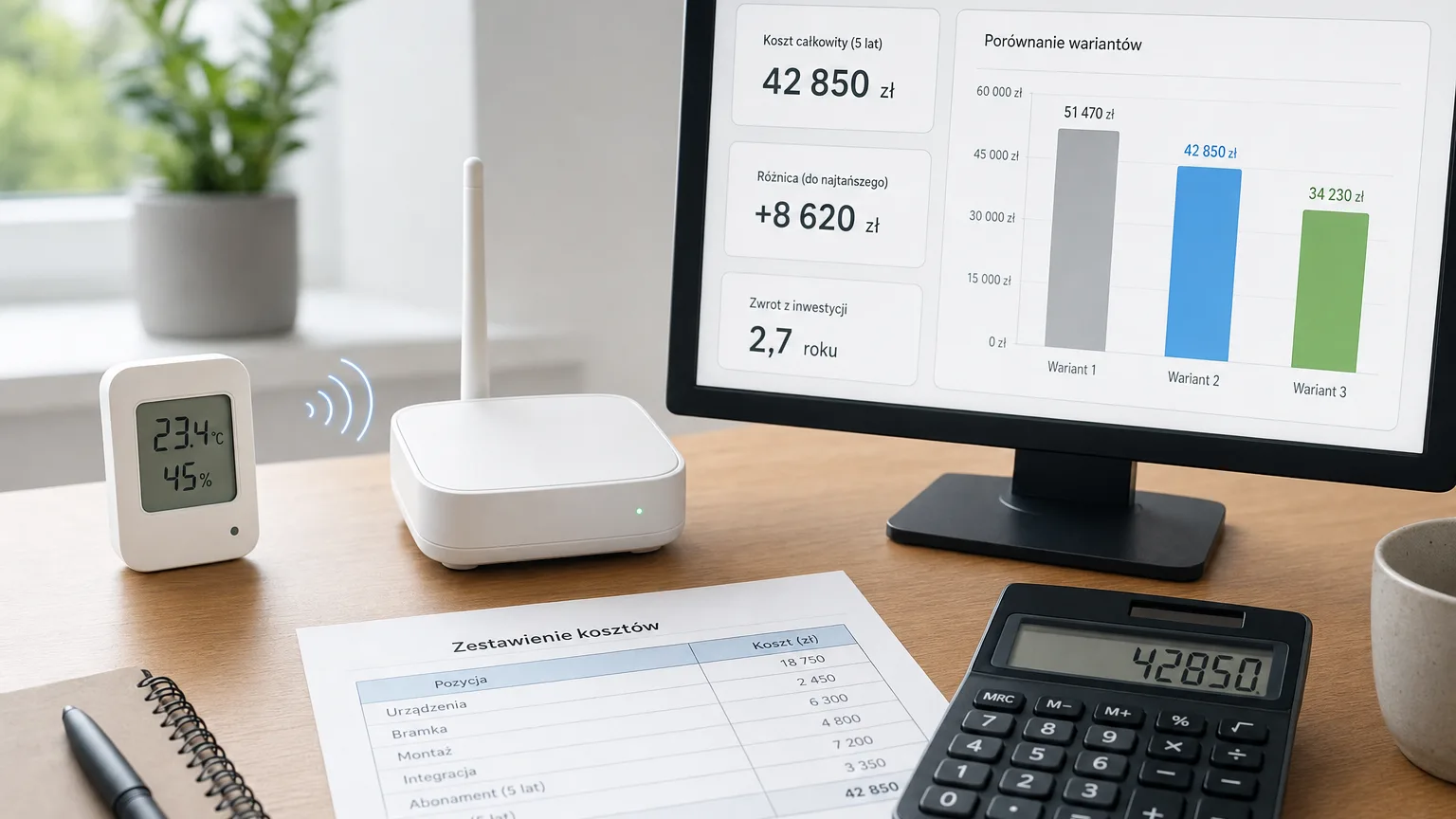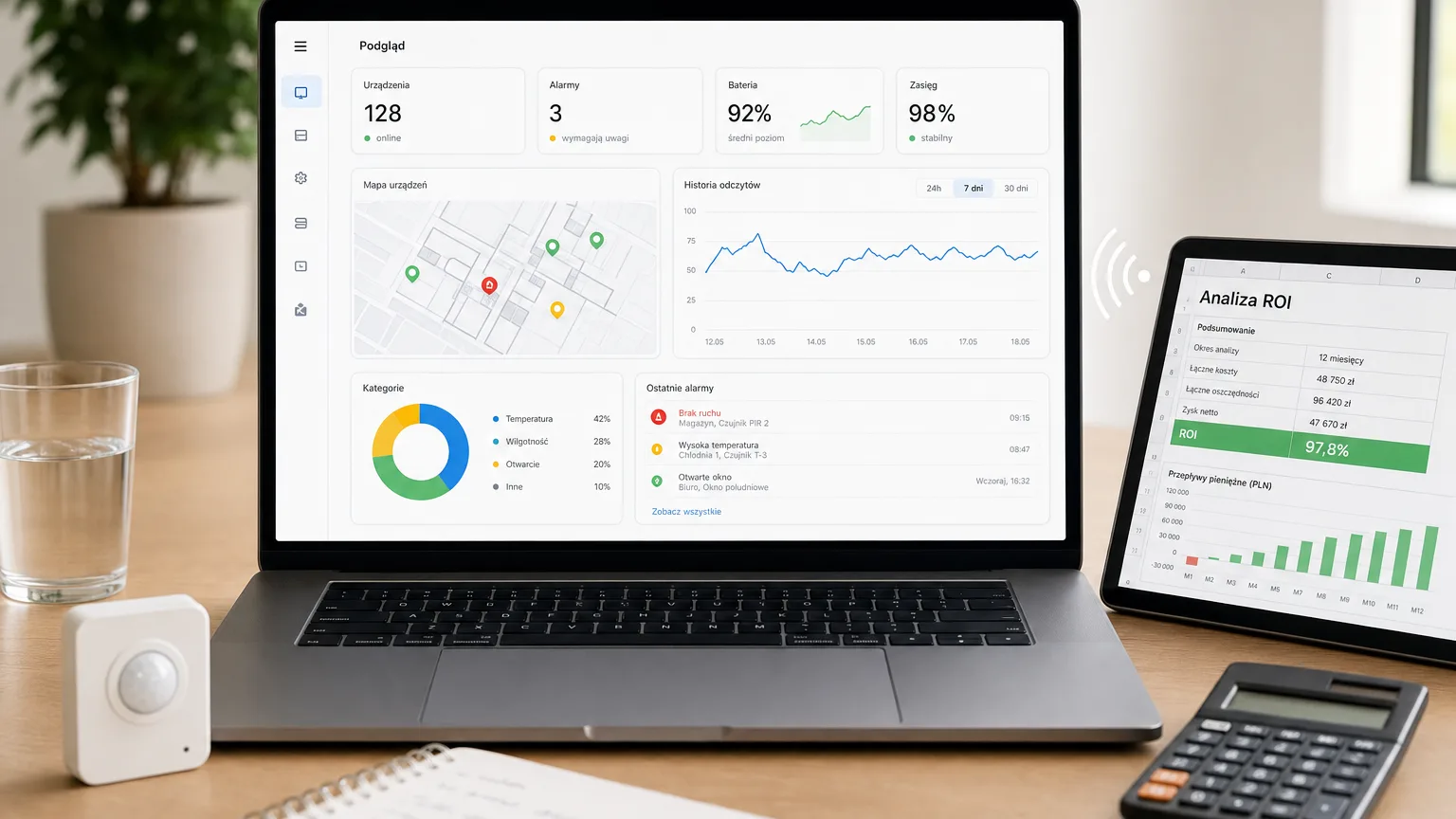
How to choose a monitoring system — a 10-question checklist
How to choose a temperature monitoring system: a 10-question checklist on data export, retention, escalations, rollout and hidden costs — before you sign.
Zespół Nextriv4 min read

In this article
- The checklist: 10 questions for a monitoring system vendor
- 1. Do the hardware and platform work together without an integrator — and what about the sensors you already have?
- 2. Can you export your data — and what does it cost?
- 3. How long does the system keep the measurement history?
- 4. What happens when nobody reacts to an alarm?
- 5. Which channels will notifications arrive on?
- 6. Will the system notice that a sensor has stopped transmitting?
- 7. What are the hidden costs?
- 8. Where is the data hosted and what does GDPR compliance look like?
- 9. How long does deployment take and do you need an integrator?
- 10. What do access control and login security look like?
- How to use this checklist
How do you choose a temperature monitoring system you won't regret in two years? The datasheets all look alike: everyone has "sensors", "alerts" and "a cloud". The differences — the ones that hurt after deployment — sit in the details: in data retention, in the fee model, in whether the system will even let you walk away with your own data. Below is a checklist of 10 questions worth asking every vendor. For each one we add how Nextriv answers it — but the questions are universal and will work on any offer.
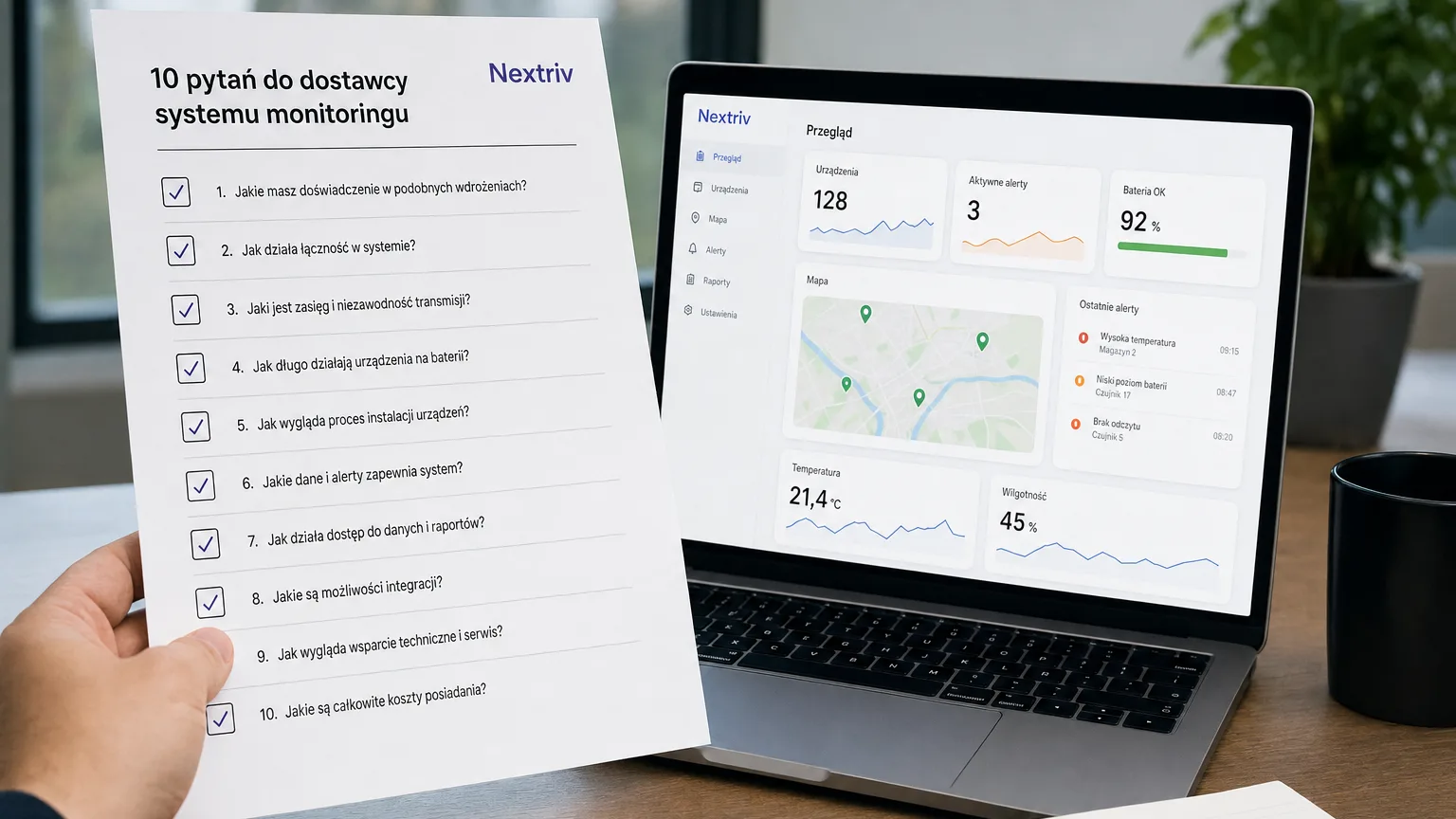
The checklist: 10 questions for a monitoring system vendor
1. Do the hardware and platform work together without an integrator — and what about the sensors you already have?
When sensors, gateways and software come from different companies, every fault starts with working out who is to blame. Hardware and platform from a single vendor means one support line and zero passing of the buck. Also ask whether the sensors already working on site can be reused.
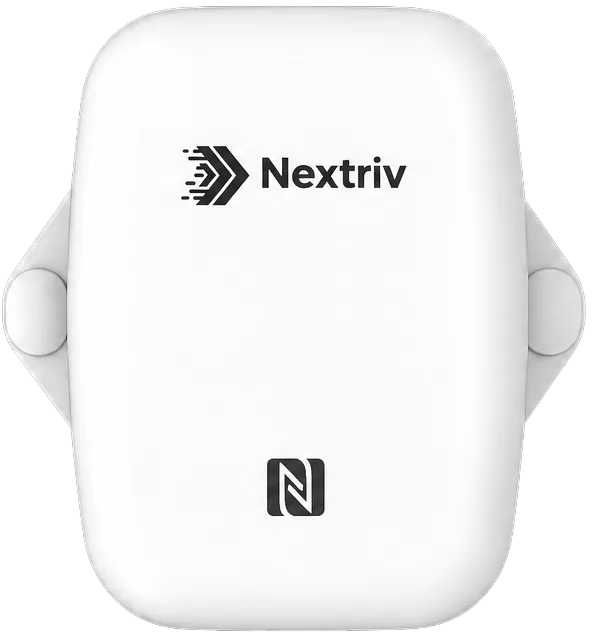
Nextriv: sensors, gateways and platform from one vendor — everything simply works: radio range of around 2 km in built-up areas and up to 15 km in open terrain, sensors running at least 5 years on a battery. And existing analogue sensors (4–20 mA, 0–10 V) plug in through the Nextriv Hub Edge gateway with industrial inputs or the Nextriv Control Industrial industrial controller.
2. Can you export your data — and what does it cost?
Measurement data is your property and your documentation. Ask outright: in what formats can I download the history? Is export included, or extra? What happens to the data once the contract ends?
Nextriv: XLSX exports (tabular and raw) plus CSV, PDF reports and a full data export. No fees for downloading your own measurements.
3. How long does the system keep the measurement history?
Retention of 30–90 days, common in cheap solutions, can be useless: an inspection or a complaint can concern events from a year ago. Also check whether "history" means raw measurements or only averaged charts.
Nextriv: 365 days of raw measurements even on the free plan, and up to 1825 days (5 years) at most. Plus an audit trail of system changes with five-year retention.
4. What happens when nobody reacts to an alarm?
A single email at 2:00 a.m. is not an alarm system. The key question is: does the platform escalate the alarm to the next people if the first one doesn't acknowledge?
Nextriv: escalation policies with a delay and a condition ("always" / "if not acknowledged" / "if not resolved"), addressed to users, groups or external contacts. Plus quiet hours and a rate limit (max 3 notifications per 5 minutes per recipient), so the team reacts to the signal, not the noise.
5. Which channels will notifications arrive on?
An email inbox is the slowest alarm channel. Check whether SMS, push and the team messengers come as standard — or in the "enterprise package".
Nextriv: six channels on every plan: email, SMS, web push, Discord, Microsoft Teams and an audible in-app alarm; the paid plan adds webhook integrations into your own systems.
6. Will the system notice that a sensor has stopped transmitting?
The most dangerous alarm is the one that never arrived because the sensor died a week ago. Ask about offline detection and about what happens to measurements during a connectivity gap.
Nextriv: a sensor is marked offline by default after twice its reporting interval, a gateway after 15 minutes of silence; you can set both thresholds yourself. Sensors buffer measurements locally (e.g. around 3,000 records in the Nextriv Sense Essential) and send them on once the network is back, so the history has no holes.
7. What are the hidden costs?
The sensor price is the start of the bill. Ask about: per-user fees, surcharges for SMS and integrations, export costs, onboarding fees, mandatory service contracts, minimum contract terms.
Nextriv: a subscription at 0 PLN (FREE, indefinitely) or 99 PLN net / 30 days, excl. VAT (PRO, with no user or sensor limits), all notification channels included, self-installed plug & play. Hardware prices — openly "on request", as a one-off expense.
8. Where is the data hosted and what does GDPR compliance look like?
For a company's operational data, server location and data-deletion procedures carry legal weight. Ask about the hosting region, data isolation between customers and the option to permanently delete the account together with the data.
Nextriv: infrastructure hosted in the European Union, per-organisation data isolation at the database level, a permanent data-erasure mechanism and self-service deletion of the organisation account.
9. How long does deployment take and do you need an integrator?
A wired system is a project, cables and a crew. A wireless system should be something you can stand up yourself — if the vendor insists on "mandatory onboarding", count it into the costs.
Nextriv: a gateway that plugs into USB-C or PoE, sensors mounted with tape or screws, automatic device discovery within 30–180 seconds of switch-on. A pilot with a few sensors wraps up within an hour, no IT department needed.
10. What do access control and login security look like?
A warehouse worker, a manager and an auditor all look into the system — and each should see something different. Ask about roles, two-factor authentication and a security event log.
Nextriv: four user roles, invitations with limited validity, 2FA (TOTP with backup codes), a password policy, session management with global logout and a separate security event log.
How to use this checklist
Not every question carries the same weight for every company. A practical order:
- Eliminate the disqualifiers — no data export (Q2) and retention shorter than a year (Q3) are reasons to walk away regardless of price.
- Work out the total 3-year cost — hardware + subscription + onboarding + hidden costs (Q7, Q9), not the sensor's list price.
- Test the alerts in practice — the "alarm at night, first person doesn't pick up" scenario (Q4–6) will show you the difference between a monitoring system and a pretty chart.
A pilot before the full rollout is good practice too: a few sensors at the most critical point and 2–3 weeks of watching how the system behaves in day-to-day work — not in a sales presentation.
You'll find the platform's full capabilities — from four-threshold alerts to reports and analytics — on the features page. And if you'd rather see the answers to all 10 questions on a live system, book a short demo — we'll go through the checklist point by point on real data.