
Migrating from paper logs to a digital temperature log
A digital temperature log instead of the notebook by the fridge: a step-by-step migration plan, the transition period, old records and winning the team over.
Zespół Nextriv4 min read
In this article
- How a digital temperature log differs from a notebook
- Step 1: take stock of your measurement points
- Step 2: match hardware to the point types
- Step 3: carry the thresholds over from your existing documentation
- Step 4: the transition period — run both registers
- What about the paper records?
- How to win the team over
- Summary
A digital temperature log is no longer a curiosity for large chains — it is the natural next step for any business keeping its records in a notebook by the fridge. The decision itself rarely sparks debate: automatic measurement is cheaper to run, complete, and immune to entries "from memory". The argument starts at the question of how to switch: what to do with the old records, how long to run both registers in parallel, how to convince a team that has done things its own way for years. This article is a step-by-step migration plan — from taking stock of your measurement points to the day you can put the notebook on the shelf.
How a digital temperature log differs from a notebook
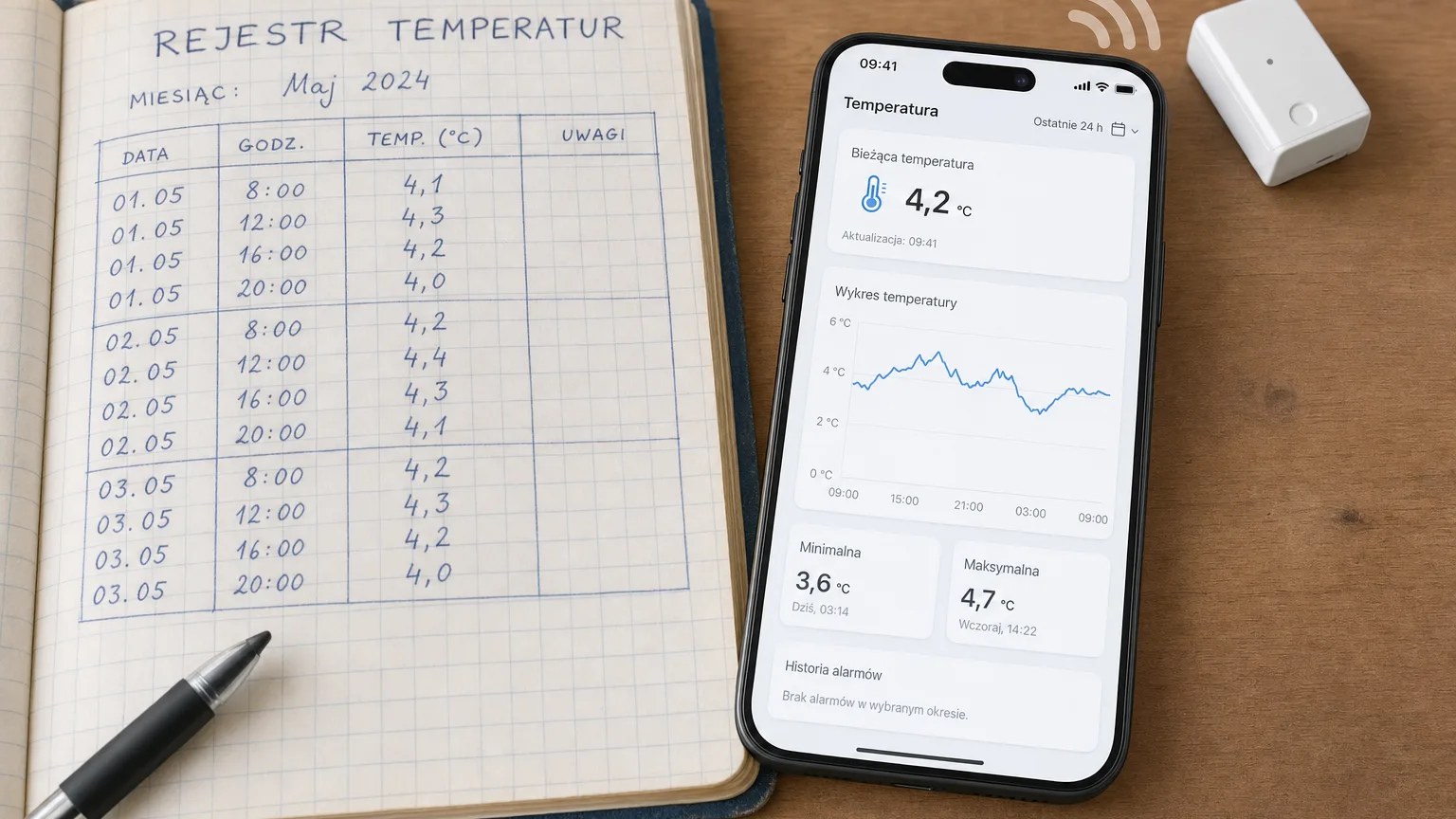
The difference is not "the same thing, just on a screen". A paper register documents two or three moments per day; between rounds, the control point lives unsupervised. A sensor-based digital log reverses the logic:
- Measurement is continuous — the sensor reports cyclically, typically every 10–30 minutes, around the clock, including nights and weekends.
- The record is complete and trustworthy — sensors buffer measurements locally and backfill them after a connectivity outage, so an internet failure leaves no hole in the register; the history cannot be "corrected" after the fact.
- A deviation triggers a response — crossing a threshold means an immediate notification (email, SMS, web push and other channels), not an entry someone reads on the next round.
- Documentation generates itself — PDF reports with charts and measurement history instead of assembling loose sheets before an inspection.
For food-service businesses this is a direct answer to HACCP plan requirements — we describe the full scenario on our food service monitoring page.
Step 1: take stock of your measurement points
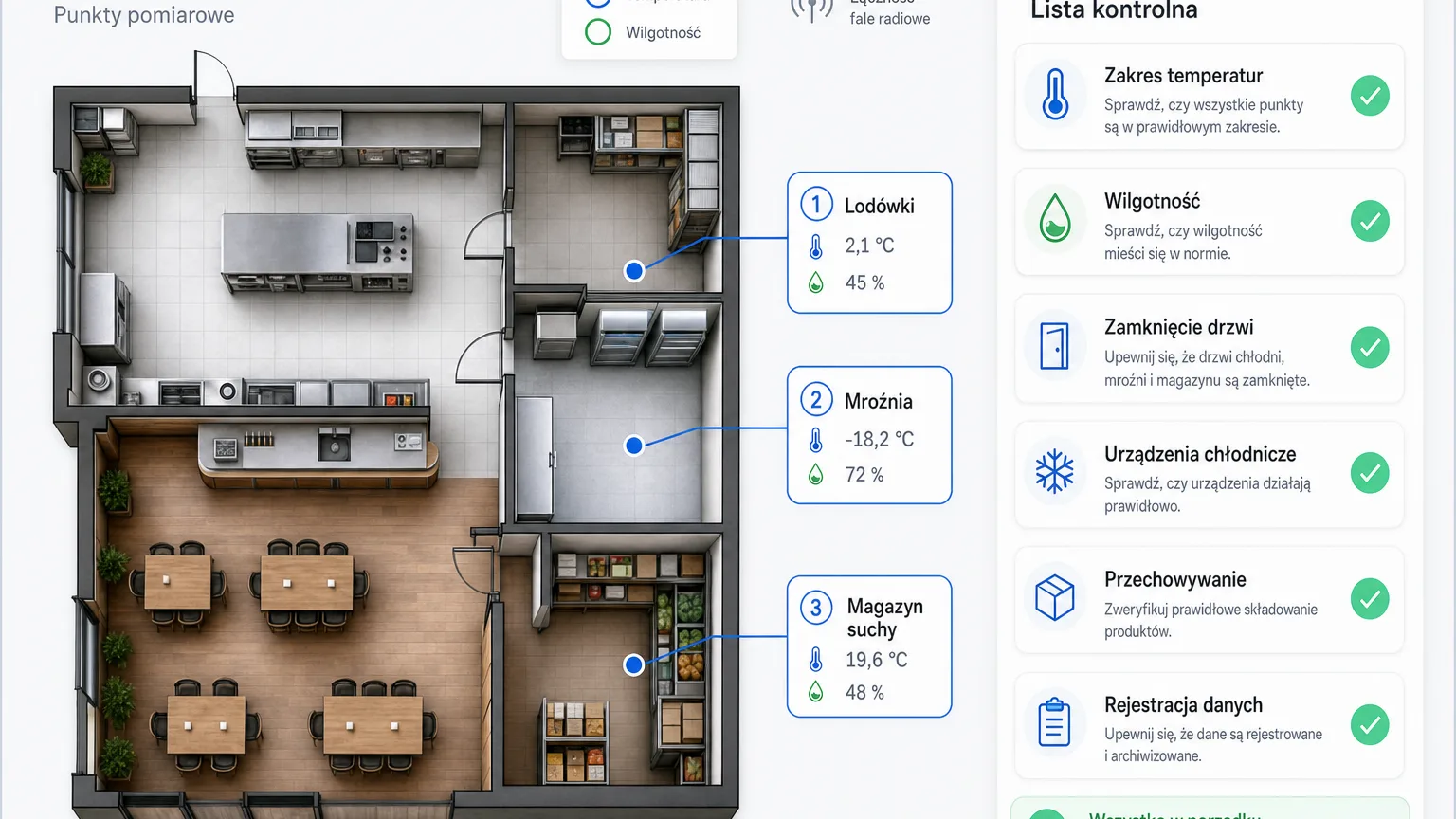
Start with a list, not with hardware. Walk the premises with the current notebook in hand and write down every point that is subject to records today: fridges, counters, freezer rooms, the dry store, the back of house. Add the points the paper register never covered because they were "too far off the round" — that is a frequent bonus of migration: a digital log costs the same whether the sensor hangs by the entrance or in the basement.
For each point note: the required temperature range (from your own HACCP plan or the goods specification), whether humidity matters too, and whether the measurement should cover the inside of the refrigeration unit or the whole room.
Step 2: match hardware to the point types
A wireless system consists of sensors and a single gateway that receives their transmissions over long-range radio — around 2 km in built-up areas and up to 15 km in open terrain, so one gateway covers the whole site, basement included. Installation is do-it-yourself: the gateway runs on USB-C or PoE, sensors go up with tape, screws or cable ties, and the platform detects new devices automatically within 30–180 seconds.
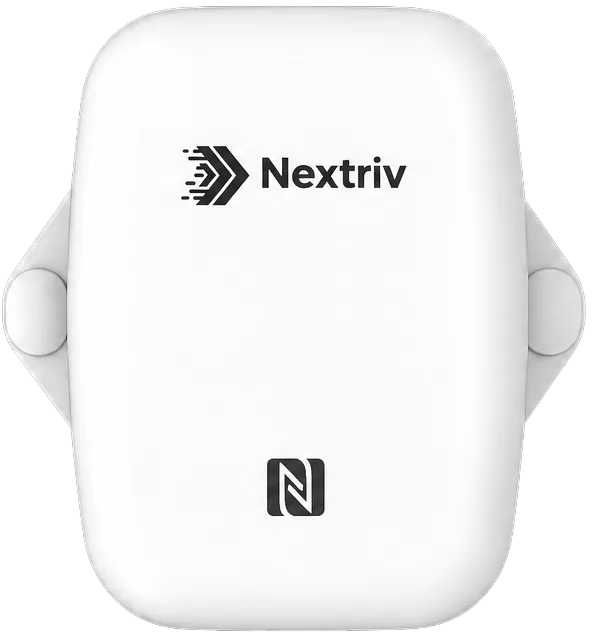
For rooms — the dry store, the back of house, the dining area — the natural choice is Nextriv Sense Essential: a temperature and humidity sensor in a sealed IP67 enclosure, EN12830-certified, with a tamper-proof buffer of nearly 3,000 measurements that backfills data after every connectivity outage.
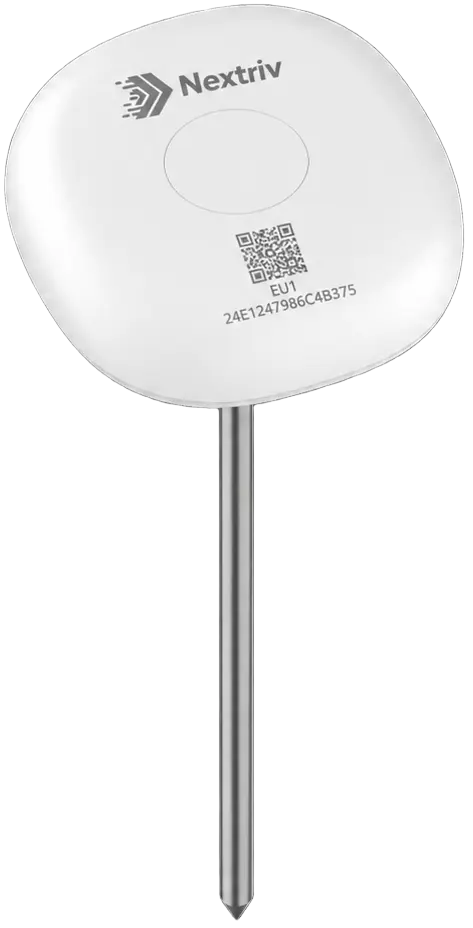
A category of its own is loose bulk produce — flour, grain, animal feed — where the paper register used to mean a round with a handheld probe thermometer. This is where Nextriv Probe Food works: a 40-centimetre food-grade stainless steel spike, driven deep into the pile, measuring where the material actually heats up.
Step 3: carry the thresholds over from your existing documentation
Migration has one convenient property: you already have the limit values. You carry the ranges from your HACCP plan, storage specifications or internal procedures straight into the alert rules. The platform lets you set up to four thresholds per metric — lower and upper, warning and critical — so it pays to add a warning level with headroom for reaction: a fridge run at 0–4 °C can warn at 5 °C and alarm critically at 8 °C. A brief swing after a delivery then produces at most a warning, while a real problem produces an alarm that reaches the right people.
While you are at it, decide who receives which notifications and over which channel: the kitchen shift — web push and the audible in-app alarm, the manager — SMS for critical events, the office — email with reports.
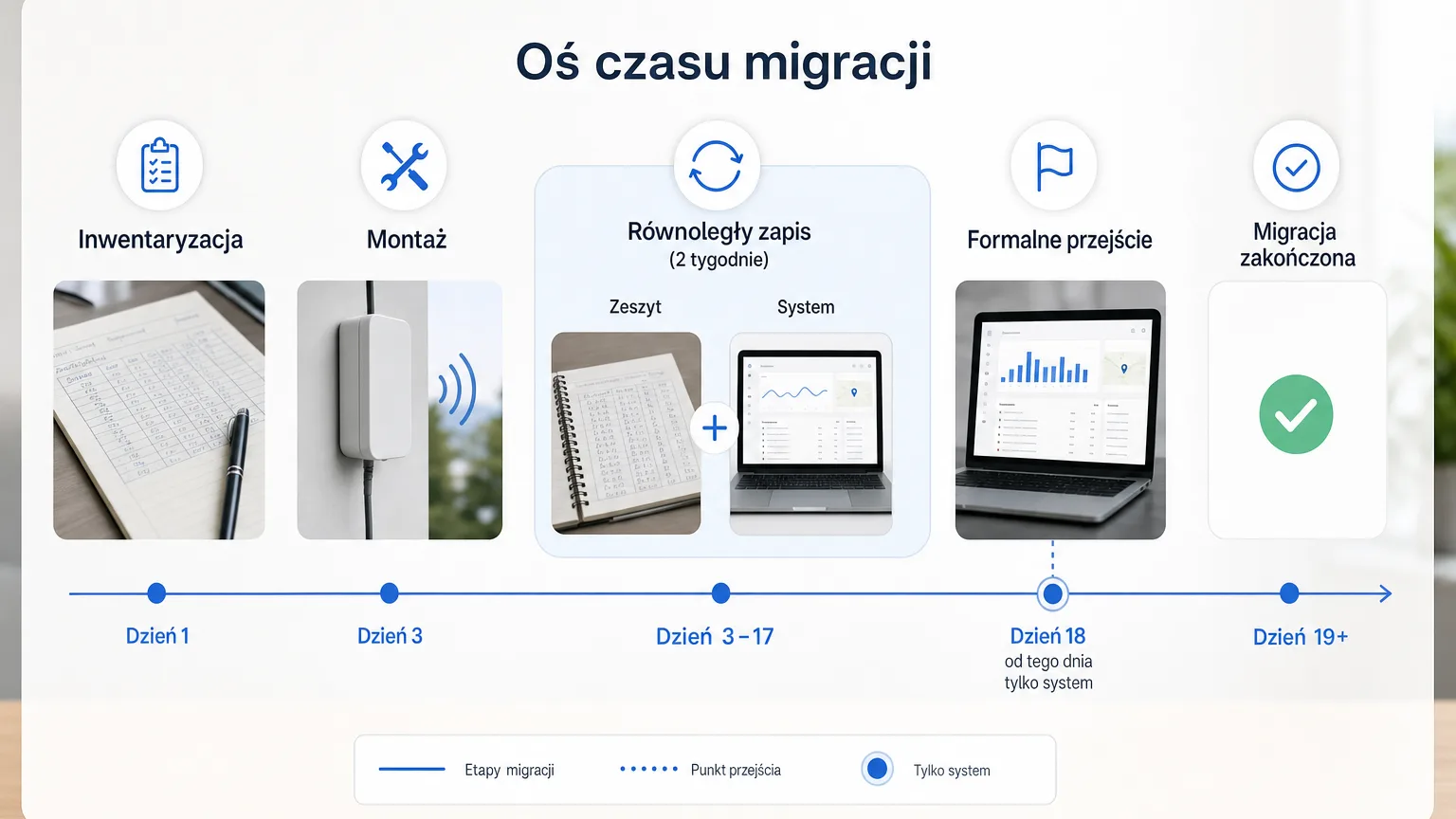
Step 4: the transition period — run both registers
Do not retire the paper on installation day. A week or two of parallel record-keeping is the cheapest insurance policy of the migration and the best training argument at the same time:
- You verify the thresholds in practice. If alerts arrive after every opening of the fridge door, the warning threshold is too tight or the sensor measures air instead of product — correct it before the team learns to ignore notifications.
- You compare the readings. The discrepancy between a manual entry and the continuous record is often the first lesson in how much the notebook really "saw".
- The team gets comfortable with the app without pressure — the old system still works, so nobody fears making a mistake.
After the transition period, set a formal cut-over date and record it in your quality system documentation: from that day on, the digital system is the temperature register.
What about the paper records?
Throw nothing away. You archive the existing notebooks and record sheets according to the retention periods adopted in your quality system — migration does not shorten their validity, it simply closes a chapter. From the cut-over date, continuity is provided by the system: raw measurement history is available for a full year on the free plan, and for up to 5 years at most — see the pricing page for plan details. For inspections you generate PDF reports, and XLSX and CSV exports let the auditor run the numbers their own way.
How to win the team over
The most common resistance is not about technology but about habits. Three arguments that work in practice:
- "It removes a duty, it doesn't add one." No more rounds with the notebook — the system measures by itself, and a person only steps back in when something is actually happening.
- "The alarm protects the team too." The continuous record documents that a deviation was noticed and handled — alarm events carry codes, statuses and comments, so it is clear who reacted and when.
- "It doesn't need an IT person." Installation is tape and screws, sensor configuration is a tap of the phone, and day-to-day operation comes down to responding to notifications.
Summary
Migrating from paper to a digital temperature log is four steps: take stock of the points, choose the sensors, carry the thresholds over from existing documentation, and run a parallel-recording period closed with a formal cut-over date. The old notebooks go to the archive, the new history compiles itself. If you want to see what such a log looks like from the inside — book a short demo and we will show you a register running on live data.


