
SMS alarms for cold room failures — how to set them up
Cold room SMS temperature alarm step by step: four thresholds per metric, escalation policies, quiet hours and a full scenario test before the first failure.
Zespół Nextriv4 min read
In this article
- Before you start: measurement inside the chamber
- Step 1. Set four thresholds per metric
- Step 2. Connect the channels: SMS plus the rest
- Step 3. Add an escalation policy
- Step 4. Quiet hours and notification hygiene
- Step 5. Cover the "silence from the sensor" scenario
- Step 6. Test it before a failure tests you
- See it live
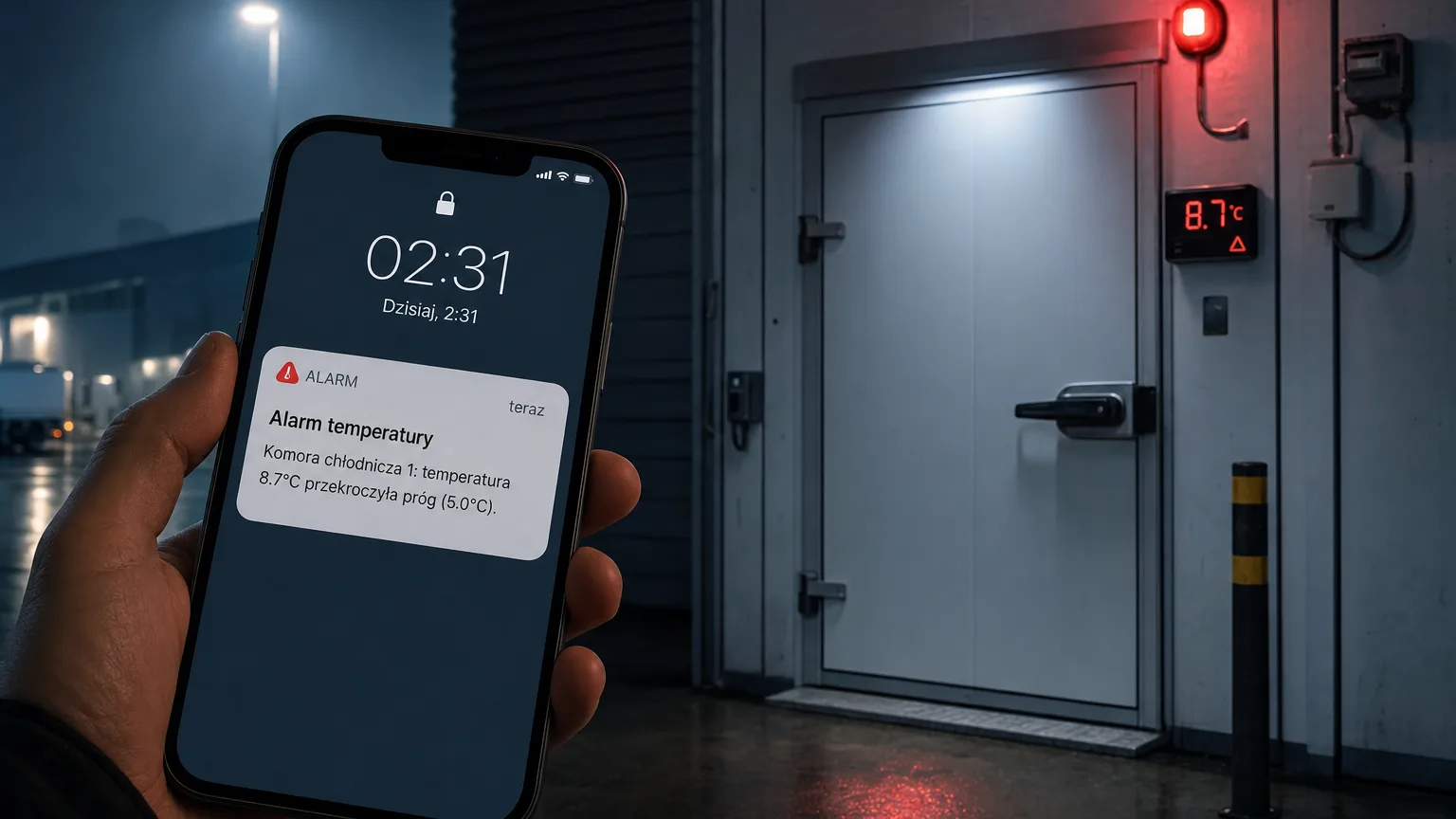
A cold room temperature SMS alarm is the difference between a phone call at 2:17 a.m. and discovering thawed stock on Monday morning. A chamber holds its temperature long after the compressor stops — and that buffer of time decides whether the failure ends with a service call or a disposal report. There is one condition: someone has to find out about it before the buffer runs out.
Below is the complete configuration of such an alarm in Nextriv, step by step: from the sensor in the chamber, through four thresholds and an escalation policy, to testing the whole scenario.
Before you start: measurement inside the chamber
An alarm is only as good as the measurement it runs on. For cold rooms and freezer rooms, the proven setup is "probe inside, transmitter outside":
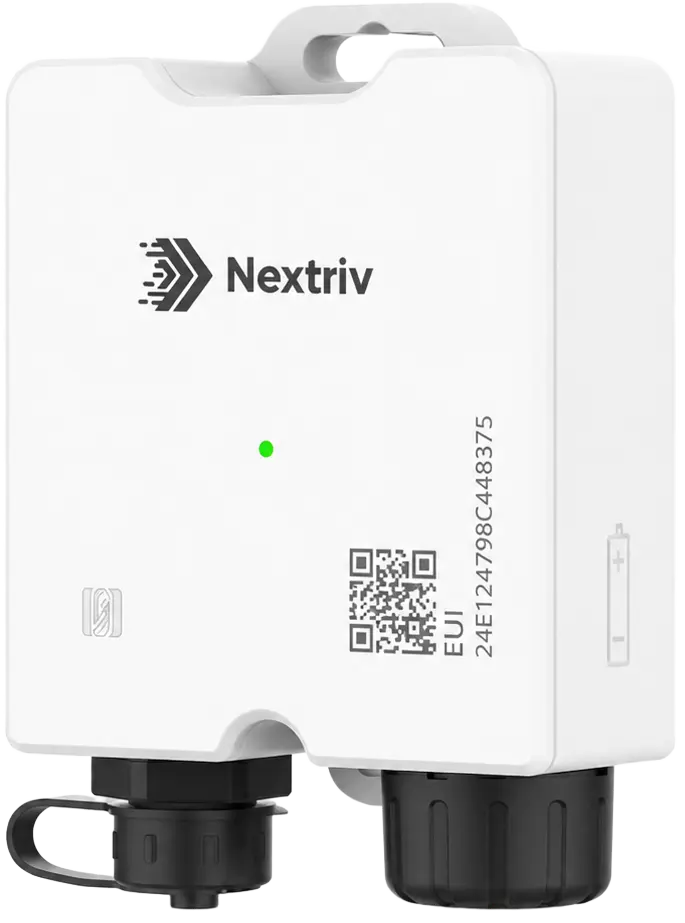
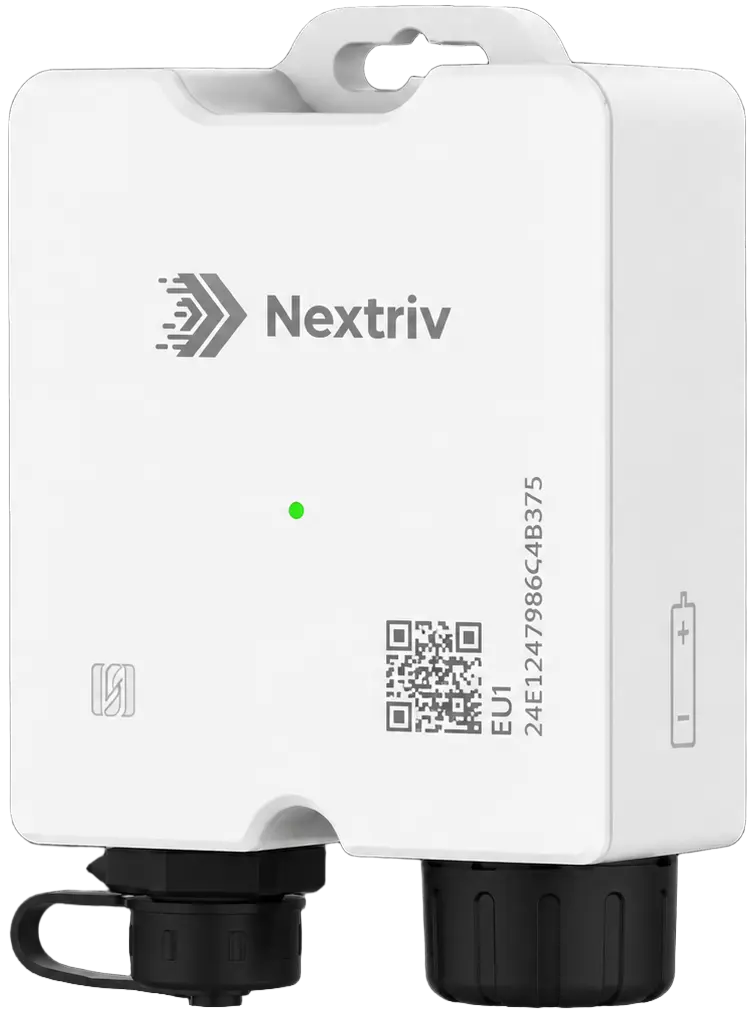
- Nextriv Probe Solo — a temperature logger with a detachable probe (range −40…+125 °C) and EN 12830 certification. The transmitter stays outside the chamber, so the metal enclosure and the cold do not break the link, and a buffer of 4,000 readings re-sends data after every outage.
- Nextriv Probe Duo — a variant with a dual-parameter probe (temperature ±0.2 °C and humidity ±2% RH) for ripening rooms and cold stores where humidity co-determines product quality.
The sensors connect through a single gateway over long-range radio and are detected automatically — from mounting to the first readings on the dashboard it takes minutes, not days.
Step 1. Set four thresholds per metric
Each metric in an alert rule has up to four thresholds: warning and critical, lower and upper. This lets you separate "take a look" from "drive to the site":
| Chamber | Warning threshold | Critical threshold |
|---|---|---|
| Freezer room (target: −18 °C or below) | −18 °C | −15 °C |
| Cold room (target: 0–4 °C) | 5 °C | 8 °C |
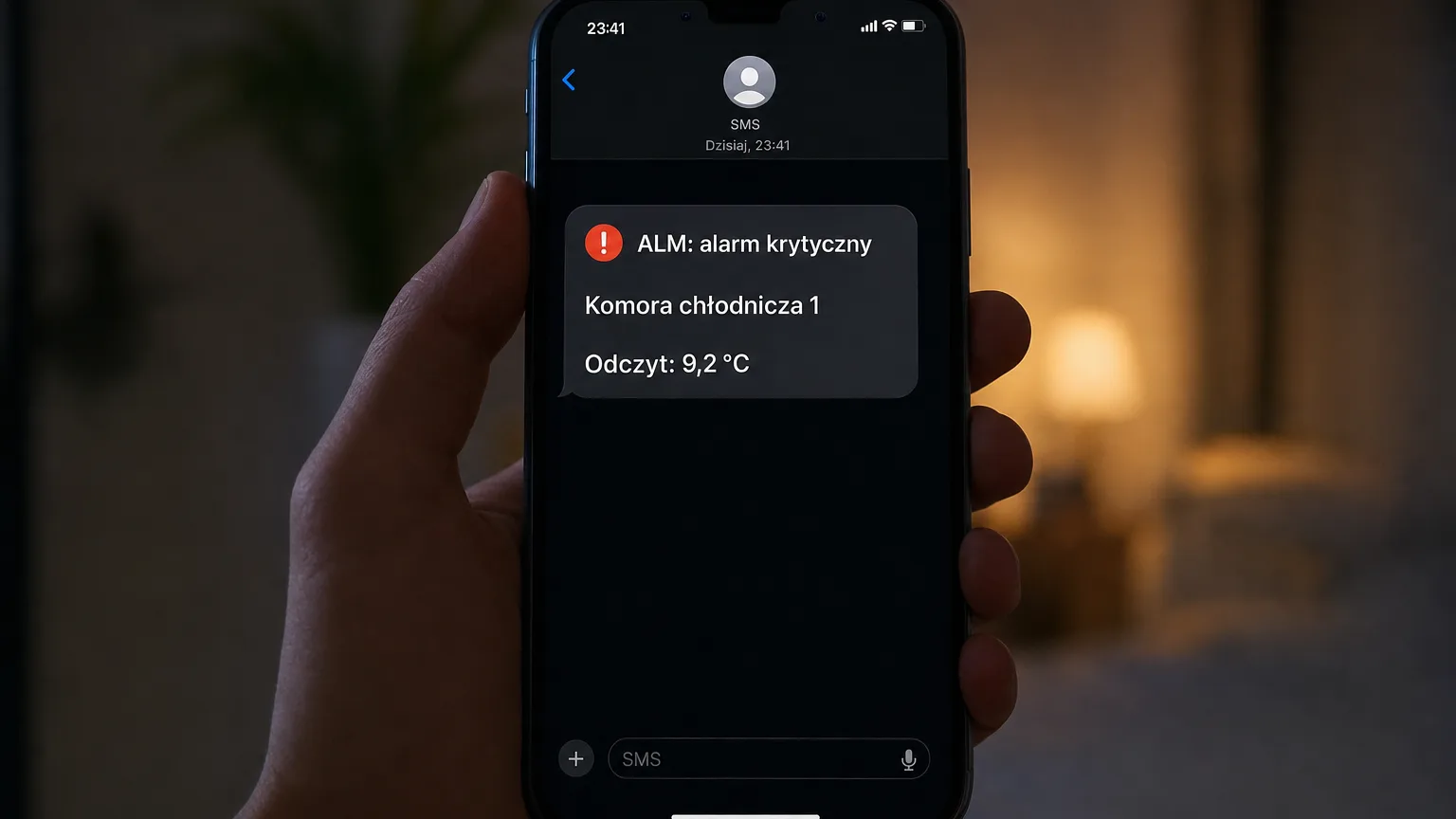
Crossing the warning threshold opens a warning-level event — web push and e-mail are usually enough. The critical threshold raises the event to critical level, and that is where we attach the SMS. This keeps text messages meaningful: if a text arrives, something genuinely bad is happening.
Every event gets a unique ALM code and goes through a lifecycle: active → acknowledged → resolved. Deduplication ensures there is one active event per sensor and metric — no avalanche of repeats with every reading.
Step 2. Connect the channels: SMS plus the rest
In the notification settings you choose which channels deliver the alarm and to whom. Six channels are available: e-mail, SMS, web push, Microsoft Teams, Discord and an audible alarm in the app. Good practice for cold rooms:
- warning level → web push + e-mail to the shift lead,
- critical level → SMS + e-mail to the shift lead and the manager, plus the audible in-app alarm for whoever happens to be working in the app.
Notification rules can be filtered by sensor, location, metric and event level — so the freezer-room SMS reaches the warehouse, not the whole company.
Step 3. Add an escalation policy
A single SMS can be slept through. An escalation policy keeps notifying successive people until someone acknowledges the alarm. Each escalation step has:
- a delay — e.g. 10 minutes after the previous step,
- a condition — always, if not acknowledged, or if not resolved,
- a recipient — a specific user, a role, a recipient group or an external contact (e.g. the refrigeration service company that has no account in the system),
- a rate limit, so the same step does not flood the recipient.
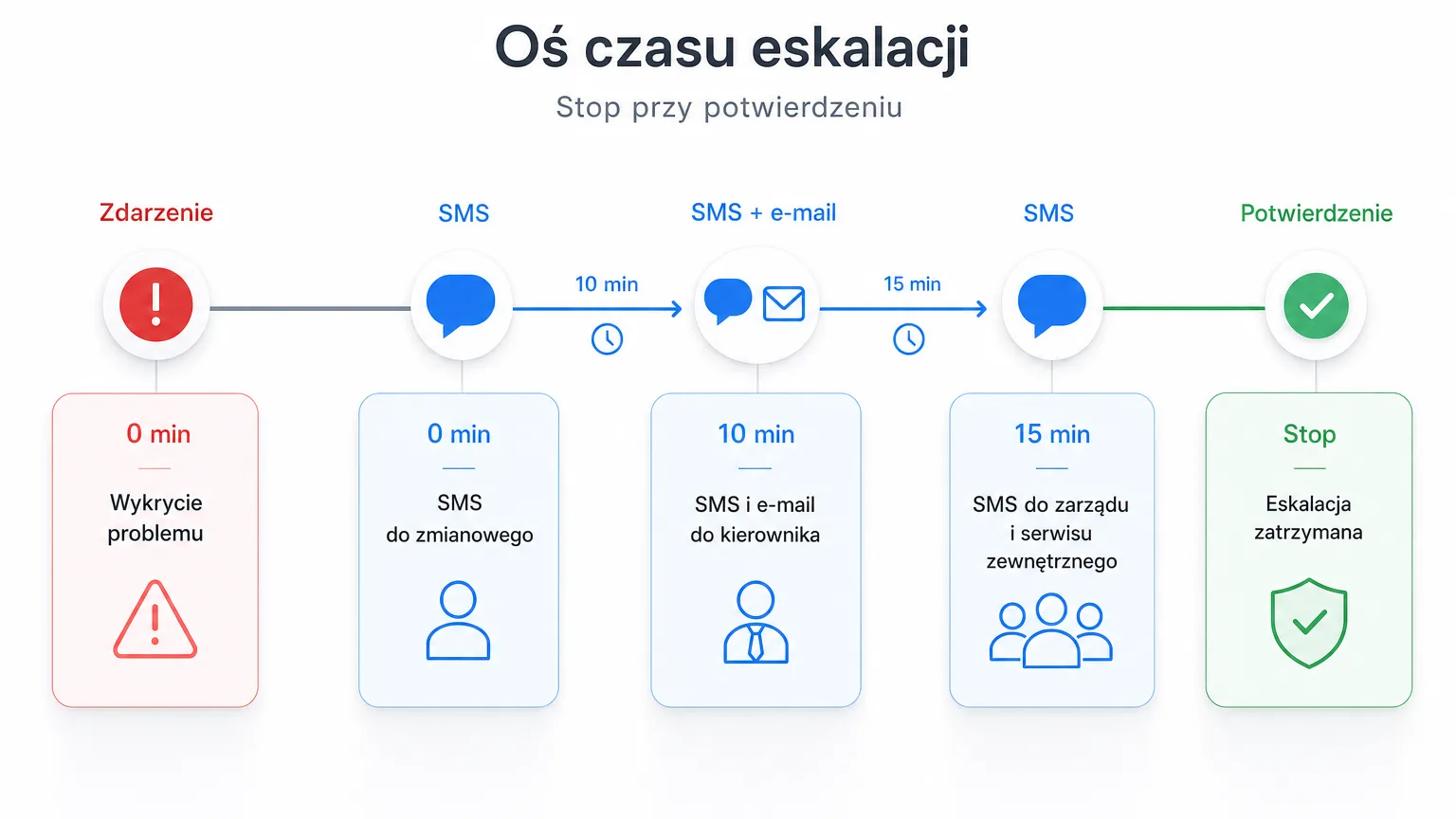
A sample chain for a freezer room: a critical alarm opens the event and sends an SMS to the shift lead → after 10 minutes without acknowledgement, an SMS and e-mail go to the warehouse manager → after another 15 minutes, an SMS goes to the "Management" group and to the external refrigeration service. The escalation stops the moment the alarm is acknowledged.
Step 4. Quiet hours and notification hygiene
To make sure the system wakes people only when it must, three mechanisms are worth configuring:
- Quiet hours — mute selected notifications at set times. Configure them for warning events; let critical ones always get through, because a compressor failure does not respect the rota.
- Rate limiting — the platform sends at most 3 notifications per 5 minutes to a single recipient, so even a stormy night does not turn the phone into a siren.
- Recovery notifications — when the temperature drops back below the threshold, the system sends an all-clear. The team knows the situation is under control, without ringing anyone up.
Every delivery lands in the delivery audit log — after the fact you can check who received which notification, when and through which channel. In a dispute with an insurer that can be priceless.
Step 5. Cover the "silence from the sensor" scenario
A power or connectivity failure can mute the measurement exactly when things are at their worst. That is why offline detection runs alongside the temperature thresholds: a gateway is reported after 15 minutes of silence by default, and a sensor after twice its reporting interval — and you can set both thresholds yourself, separately for each device. Wire these events into the same SMS chain — treat missing data from a freezer room as an alarm, not a footnote.
Once connectivity returns, the sensors re-send their buffered readings, so the event history stays complete from the first minute to the last.
Step 6. Test it before a failure tests you
Never leave a configuration without a dress rehearsal. Take the probe out of the chamber and hold it in your hand, or temporarily set a tighter threshold — and check the entire flow: did the ALM-coded event appear on the dashboard, did the SMS arrive within a reasonable time, did the escalation move up the chain after 10 minutes without acknowledgement, and did a recovery notification arrive once the temperature returned. Fifteen minutes of testing buys years of confidence.
More on chamber monitoring — including door sensors, leak detection near the compressors and the requirements for temperature recording in freezer rooms — on the cold store and freezer monitoring page.
See it live
The whole configuration above takes a dozen or so minutes in practice — the longest part is deciding who sits at the end of the escalation chain. Book a short demo and we will walk through the complete SMS alarm scenario on a live system: from a threshold breach in the chamber to acknowledging the event.


