Email, SMS, web push or Teams — which alert channel to use and when
Alert notification channels compared: email, SMS, web push, Teams, Discord, in-app sound and webhooks — which channel fits which event and how to escalate.
Zespół Nextriv5 min read
In this article
- Six alert notification channels — a map of the terrain
- Email: documentation, not a wake-up call
- SMS: the channel of last resort
- Web push: the everyday operational channel
- Teams and Discord: the alert where the team is already looking
- In-app sound and webhooks: the duty room and automation
- Don't pick a channel — design a path
- Two real-life scenarios
- Where to start
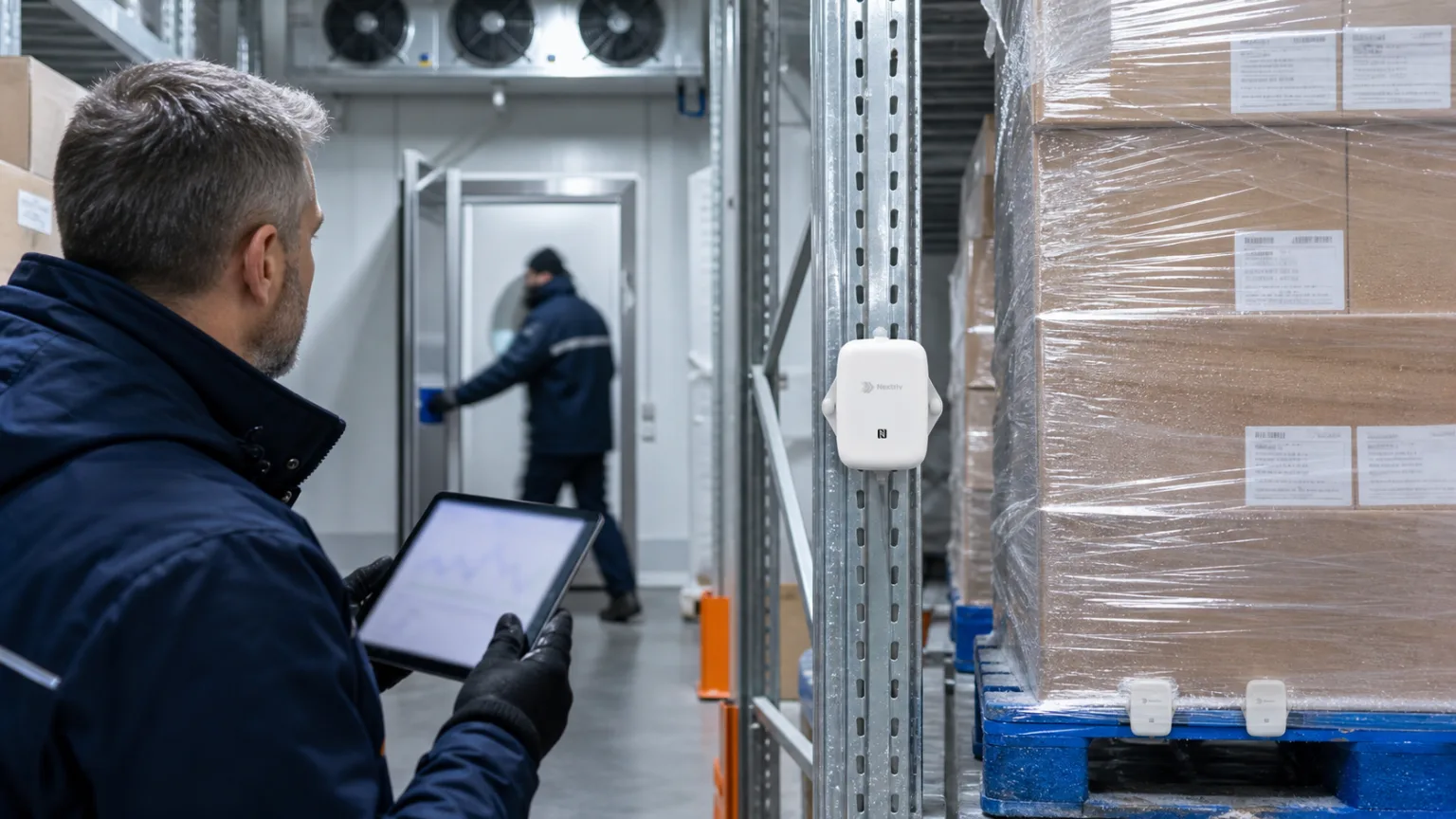
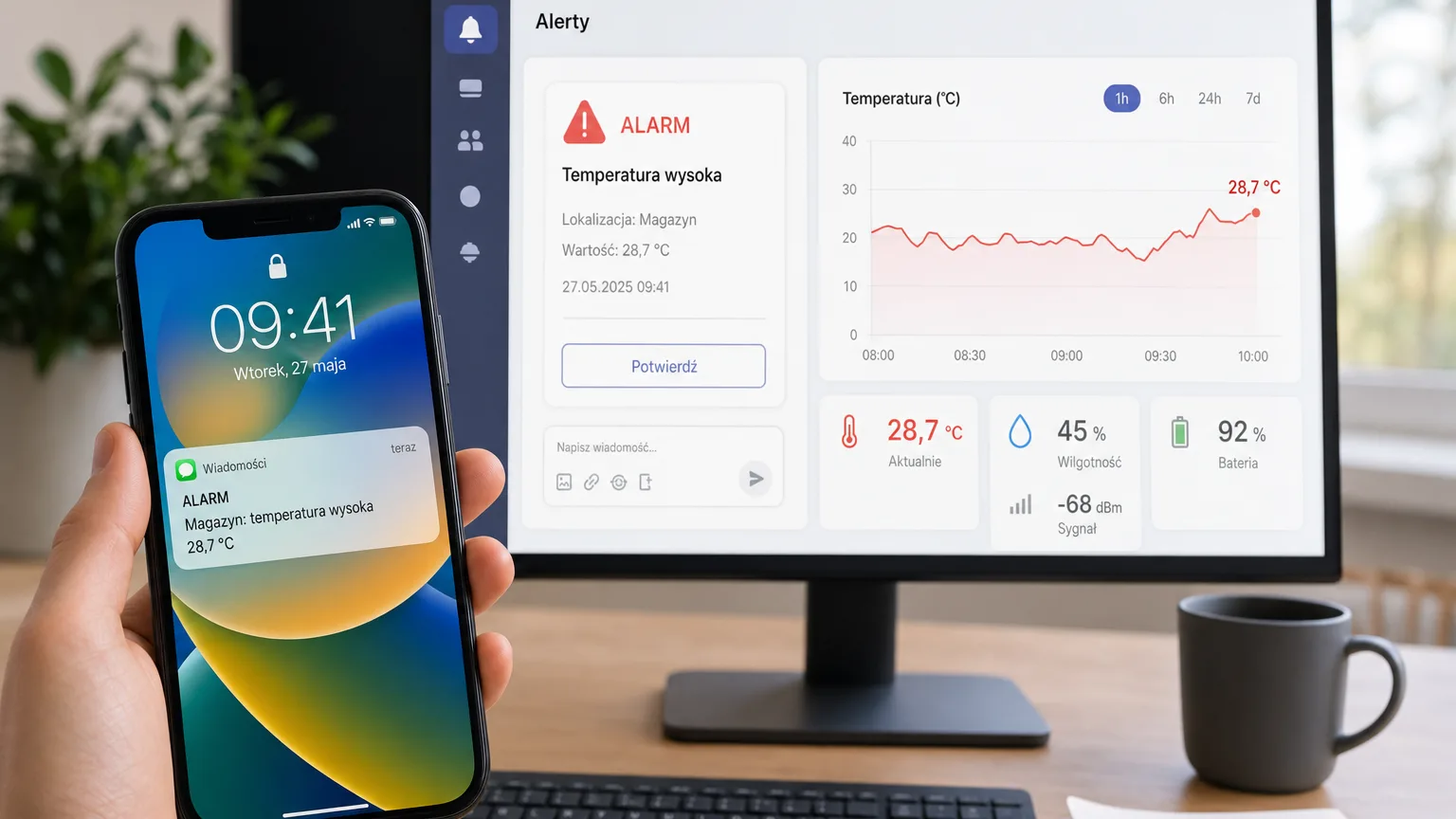
Alert notification channels are a decision most teams make once, at rollout — usually along the lines of "everything to email". Six months later the inbox has a folder with an "IoT → move" rule, and the cold-room alarm waits in it until Monday alongside the newsletters. A good alert reaches the right person by the right route: a freezer failure at 3:00 a.m. needs an SMS; a mild CO₂ exceedance in the meeting room — at most a post on the team channel. Nextriv supports six notification channels, plus webhook integrations for automation; below is a rundown of when each one works best, when it fails — and how to assemble them into a path that wakes people up only when it really matters.
Six alert notification channels — a map of the terrain
| Channel | Reaches | Best for | Weakness |
|---|---|---|---|
| the inbox, full event context | documentation, informational events, summaries | nobody checks the inbox at 3:00 a.m.; filters and folders | |
| SMS | any phone, no internet or smartphone needed | critical events outside working hours | little context; overused, it loses its punch |
| Web push | browser and phone, instantly | day-to-day operational work | needs browser consent; lost when the device is off |
| MS Teams | the team channel, the alert as a readable card | companies working on Microsoft 365 | often muted outside working hours |
| Discord | a server channel | technical teams, IT on-call | same as above |
| In-app sound | the speaker of a computer with the dashboard open | duty room, reception desk, permanent monitoring station | works only with the app open |
| Webhooks (integration — paid plan) | any system on the receiving end | automation and custom integrations | needs an endpoint and someone to maintain it |
Email: documentation, not a wake-up call
Email is irreplaceable where context and a paper trail matter: a readable message with the sensor name, the value, the threshold and a link to the chart — one that can be forwarded or found months later. It's the natural channel for informational events, back-to-normal notifications and scheduled reports.
What email won't do: wake anyone up. The inbox is a "when I get to it" medium, not an "immediately" one — and no "urgent" flag changes that.
SMS: the channel of last resort
SMS has a property no other channel does: it reaches any phone, with no internet, no smartphone, no installed app. The duty phone can be a company "brick" with no touchscreen — the SMS will still arrive and still wake its owner.
That is exactly why SMS must be protected from inflation. If it arrives every day, after a week nobody reacts to it. Reserve it for critical events: a cold-room failure, a flooded server room, medicine temperatures out of range. We described what such a scenario looks like minute by minute in the article on the SMS alarm during a cold-room failure.
Web push: the everyday operational channel
A browser push notification appears on the desktop and on the phone the moment the event happens — with nothing to install beyond a consent given in one click. For people who work at a computer anyway, it's the best channel for warnings: faster than email, less invasive than SMS. The weakness is obvious: a powered-off computer means an undelivered message — which is why push should never be the only channel for critical events.
Teams and Discord: the alert where the team is already looking
An alert sent to one person has a single point of failure — holiday, a meeting, a dead phone. An alert on a team channel is seen by the whole shift: in Microsoft Teams it lands as a readable card with the event data, in Discord as a message on a chosen server channel. Whoever sees it first can react — and the discussion of the event unfolds right under the notification, where the team talks anyway.
It's the natural choice for technical and maintenance teams; we laid out the on-call scenarios separately in the article on Discord and Teams alerts.
In-app sound and webhooks: the duty room and automation
Two special channels. The audible in-app alarm turns the computer in the duty room, at the reception desk or in the control room into a siren — the signal is heard instantly, with no need to look at the screen. It works wherever the Nextriv dashboard is permanently up on a monitor anyway.
A webhook, in turn, is less a notification channel than an integration (a paid-plan feature) — it notifies not a human but a system: the alarm event arrives as data at an address you specify, where it can open a helpdesk ticket, light up a beacon or trigger any automation on your side. It's part of the broader topic of getting data out of the platform, which we describe on the integrations page.
Don't pick a channel — design a path
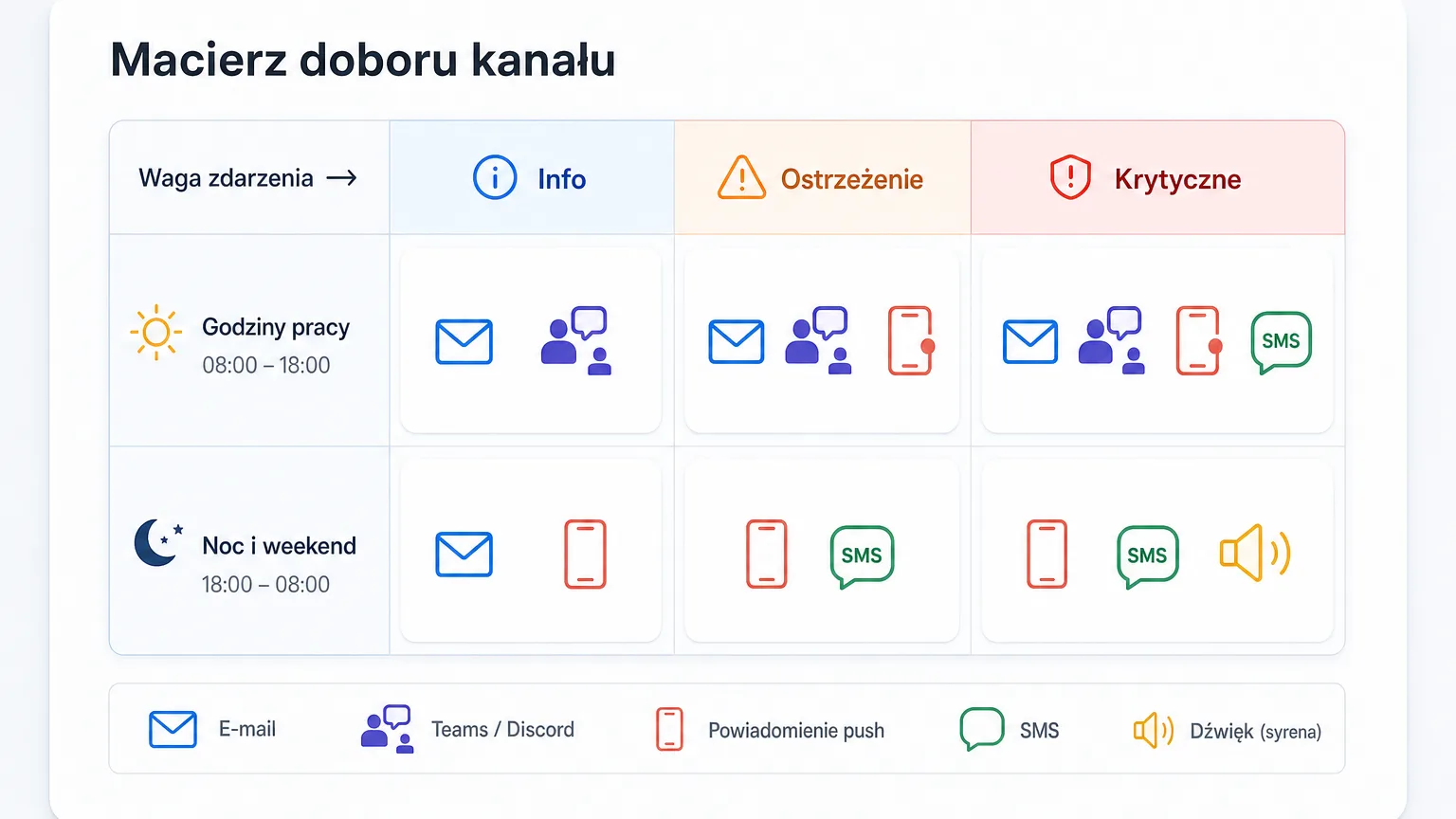
The real answer to the question in the title is: don't pick just one. In Nextriv, every alarm threshold has a severity — information, warning or critical (each metric can carry four thresholds: two warning and two critical) — and notification rules match the channels to the severity, sensor, location or metric. A typical setup looks like this:
- Information → email, for the record.
- Warning → web push and a Teams card — whoever happens to be at their desk reacts.
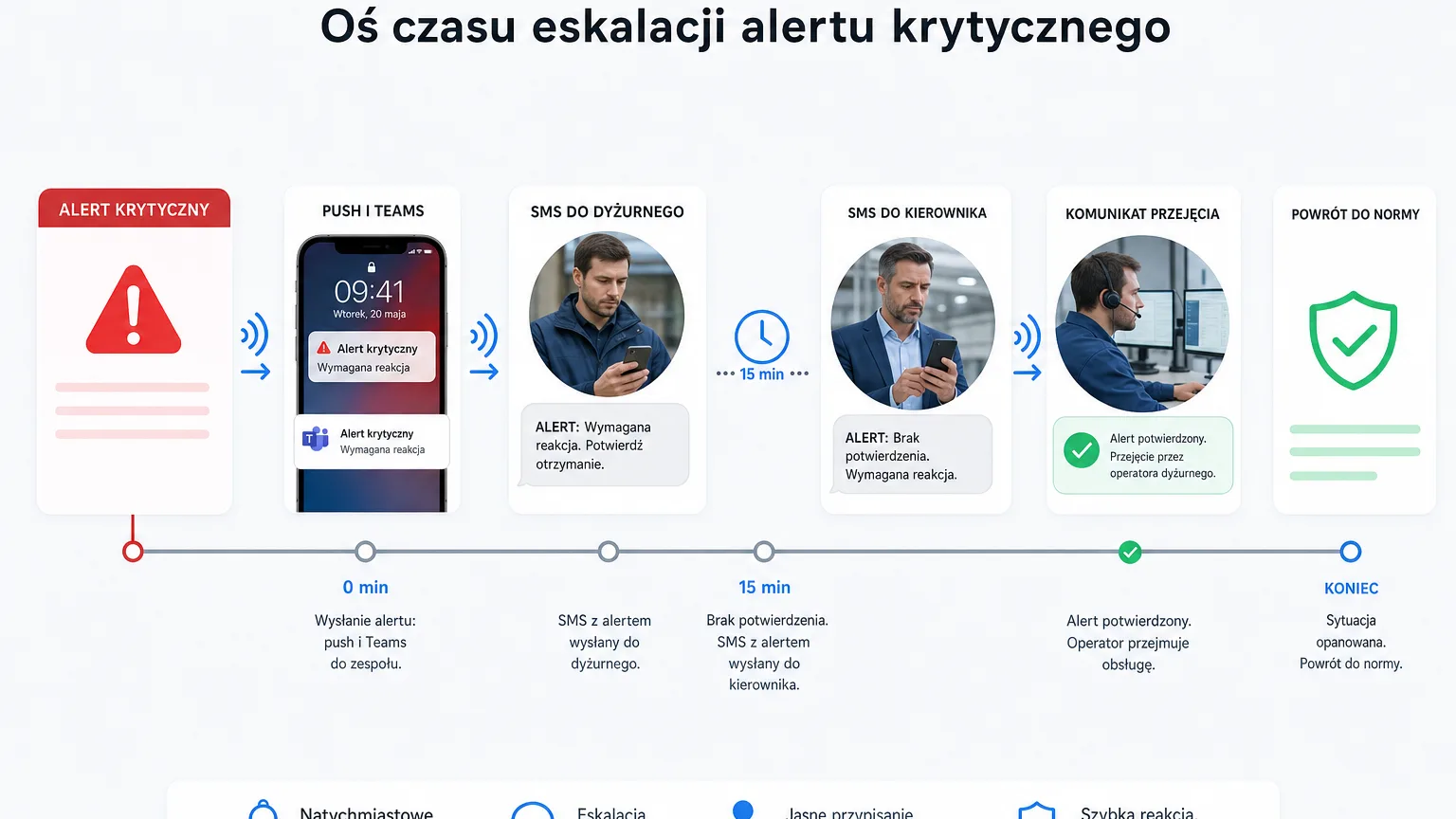
- Critical → SMS to the person on duty, and if nobody acknowledges the event within a set time, escalation sends the notification to the next person or group — including a contact outside the platform.
Several mechanisms keep things hygienic along the way: deduplication keeps one active event per sensor + metric pair (with an ALM-XXXXXX code for team communication), quiet hours mute selected channels where that's a deliberate decision, a limit of 3 notifications per 5 minutes per recipient guards against an avalanche, and the back-to-normal notification closes the matter without manual checking. The delivery audit shows whether and by which route every notification went out.
Two real-life scenarios
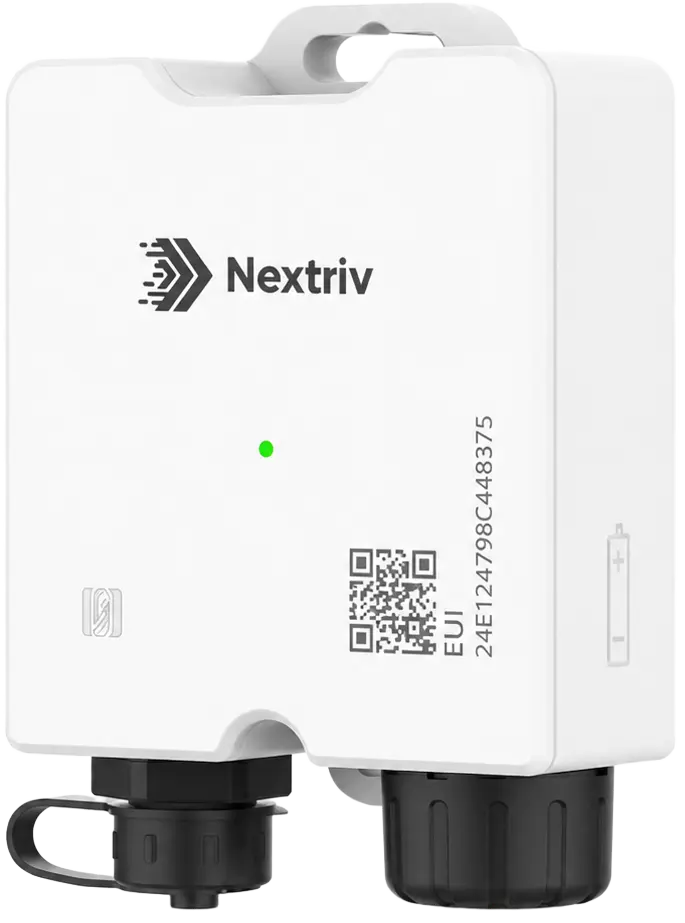
A pharmacy fridge. The Nextriv Probe Solo recorder guards the 2–8 °C range. A warning at 7 °C goes by push and a Teams card to the team — someone checks the door and the compressor. The critical threshold at 8 °C sends an SMS to the manager; no acknowledgement within 15 minutes escalates to a second person. Once the temperature returns to normal, everyone gets a closing notification, and the event history with its ALM code stays in the system for the records.
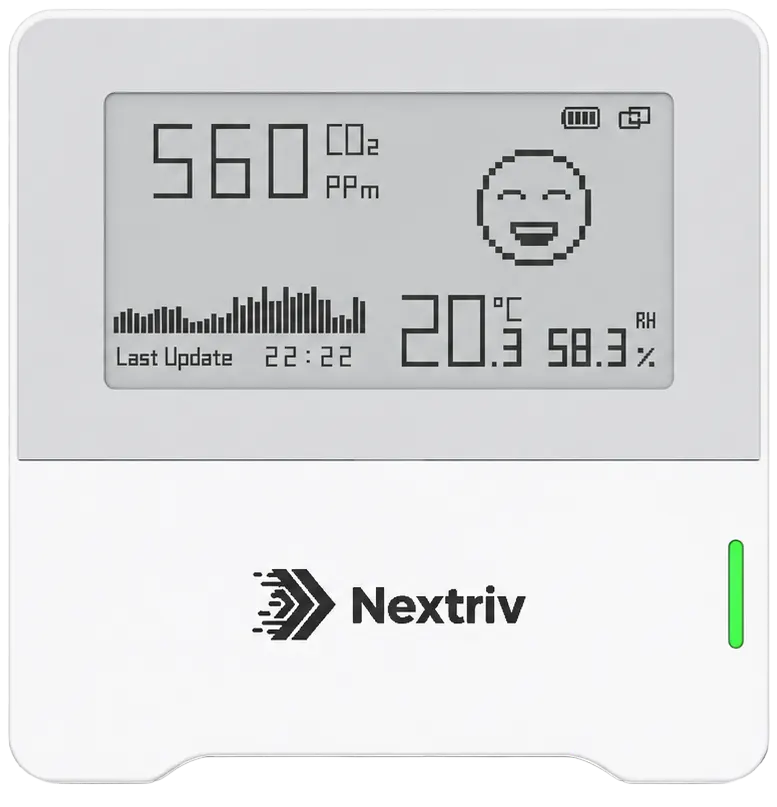
A meeting room. The Nextriv Sense CO₂ sensor reports the carbon dioxide concentration. Crossing 1000 ppm means a post on the facility channel — whoever can, airs the room; nobody gets an SMS about stuffiness. Only recurring warnings in the same rooms become an argument for a conversation about ventilation — with charts instead of impressions.
Where to start
All six notification channels are available from day one, on the free plan too (webhook integrations come with the paid plan) — details in the pricing. Start with a simple setup: email for information, push for warnings, SMS for critical events — and only add escalations and team channels based on the first few weeks. And if you'd rather see the whole path in action, book a demo — we'll go from alarm threshold to SMS live.