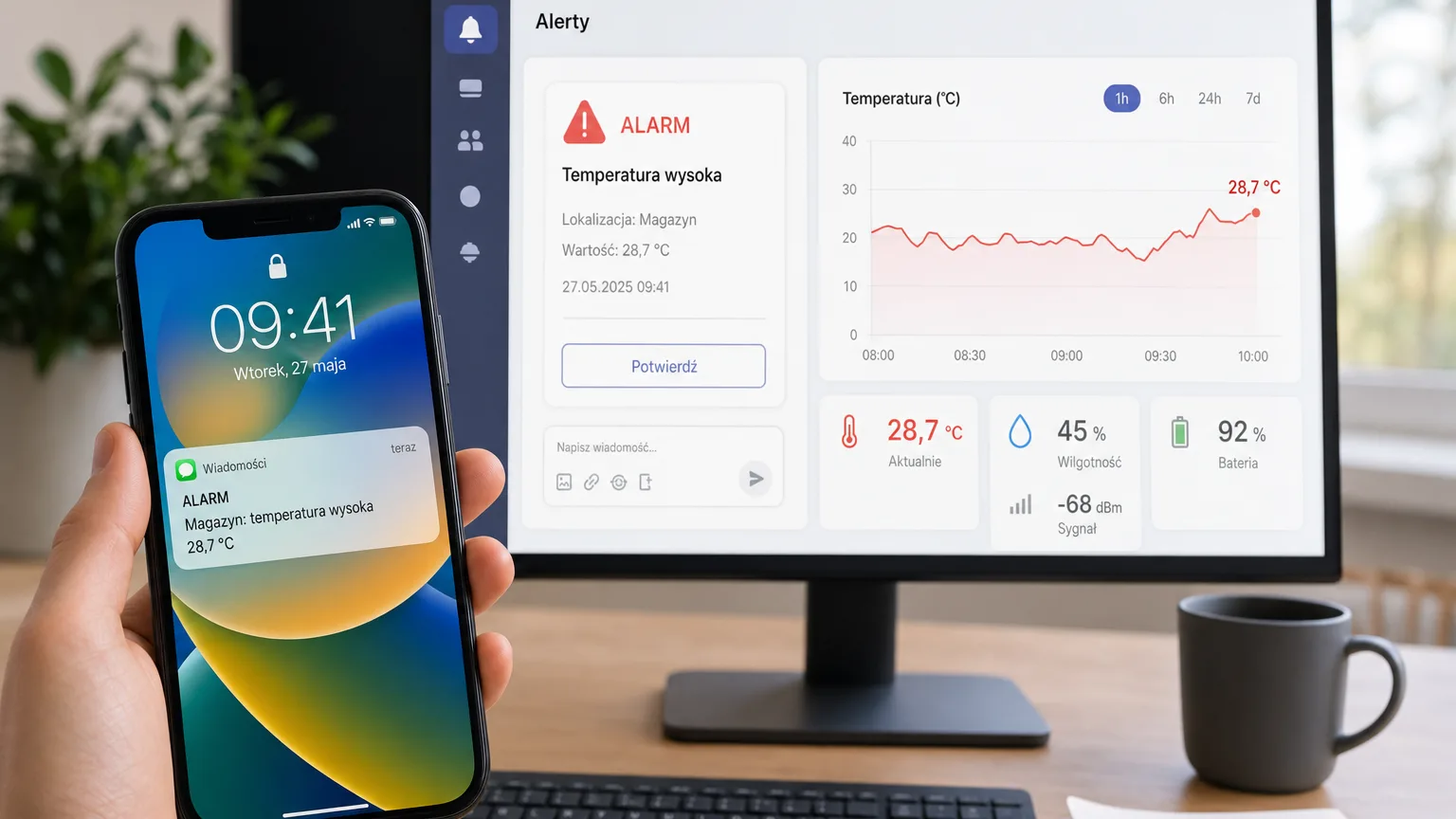
Discord and Teams alerts for DevOps teams — monitoring without SMS spam
Discord and Teams alerts for server room monitoring: notifications on the team channel, filters, quiet hours and escalations — no SMS spam at 3 a.m.
Zespół Nextriv4 min read
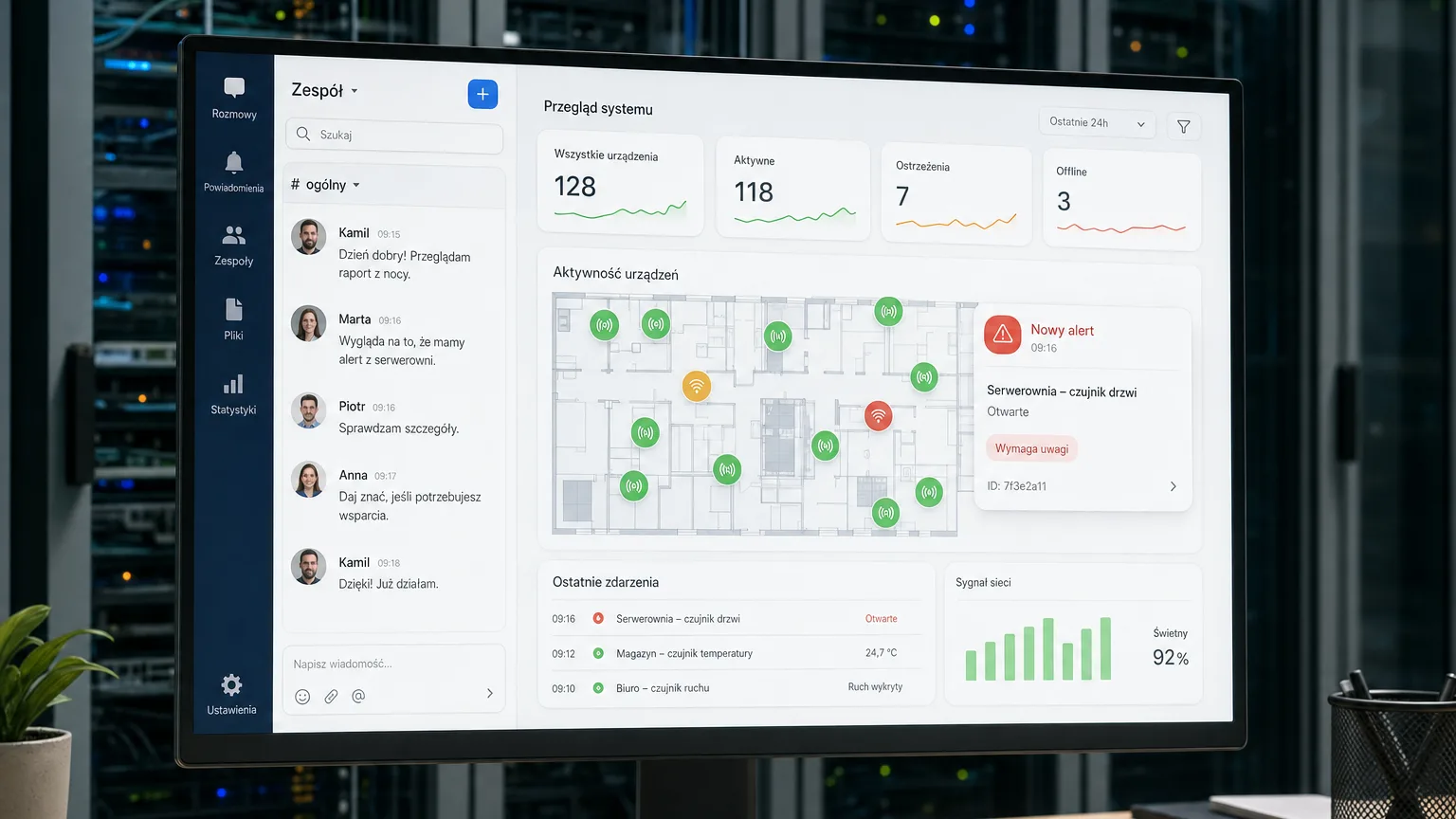
For a DevOps team, Discord and Teams alerts are the natural working environment — and yet many infrastructure monitoring systems still know only two channels: e-mail, which nobody reads in real time, and SMS, which wakes the whole team regardless of how serious the problem is. The result is known as alert fatigue: after two weeks of a vibrating phone, people stop reacting to anything, including the one alarm that actually mattered. Here is how to move alerts from physical infrastructure monitoring — temperature, leaks, power — to where the team is already looking, and how to cut the noise without risking that something slips through.
Why SMS ruins the on-call rotation
SMS has one advantage — it always gets through — and a long list of flaws as a primary alarm channel:
- Zero context. 160 characters will not fit a chart, a location or the event history. The on-call engineer still has to open a laptop to understand what is going on.
- Zero collaboration. You cannot see whether someone has already taken the case. Three people respond to the same alarm or — worse — each assumes someone else will.
- Zero differentiation. A warning about slightly elevated humidity looks identical to a critical rack overheating. When everything is urgent, nothing is.
A team channel flips that logic: the alert lands in a thread where you can see who acknowledged it, what happened earlier and whether the problem has already cleared. The rest of the team sleeps.
Discord and Teams alerts in Nextriv monitoring — how it works
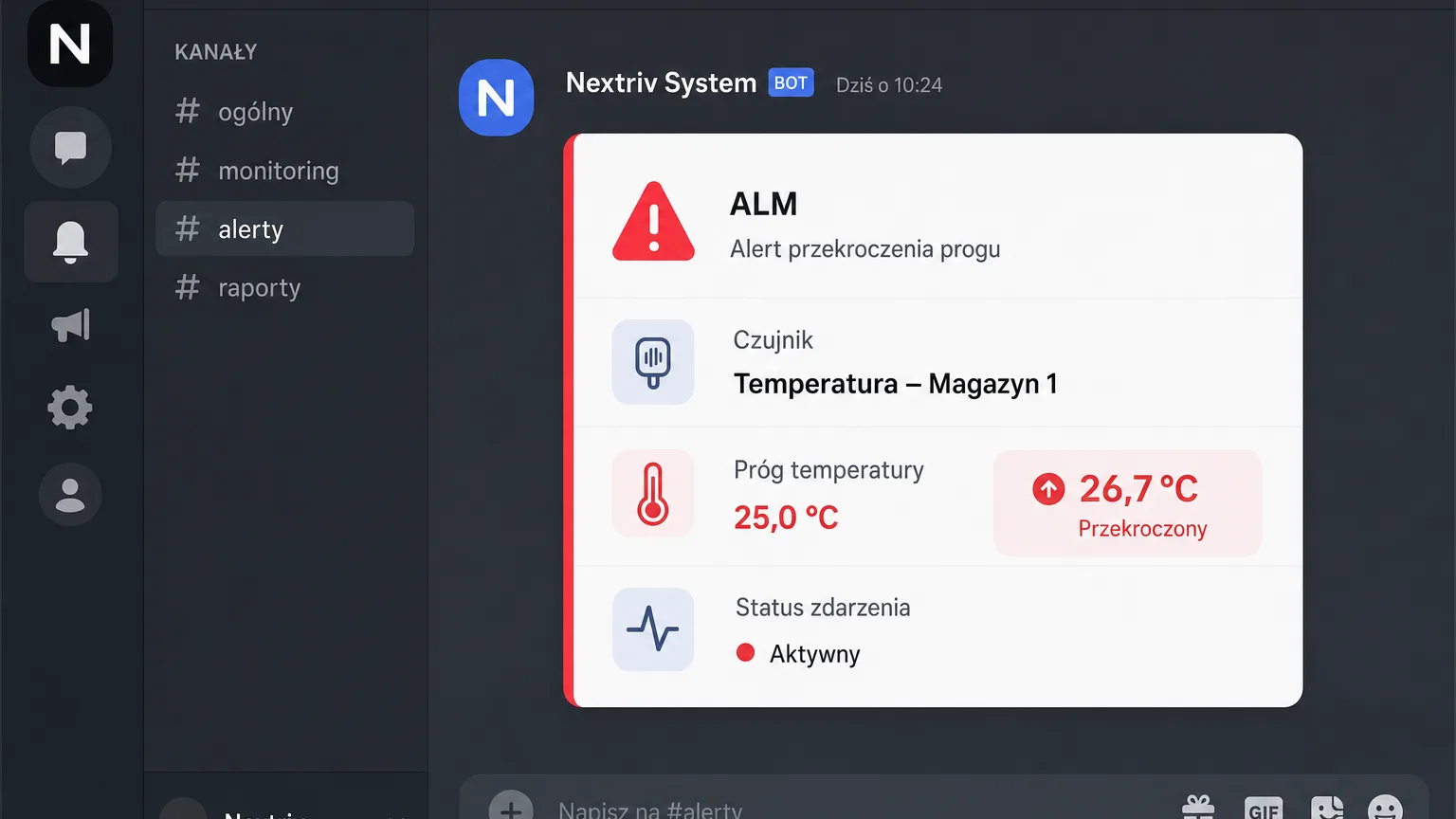
In Nextriv, Discord and Microsoft Teams are first-class notification channels, alongside e-mail, SMS, web push and the audible in-app alarm. Configuration comes down to pasting the channel's webhook URL — on Discord the alert appears as a message on the chosen channel (e.g. #server-room-alerts), and in Teams as a readable event card (Adaptive Card) with the key data.
Every event carries the full context SMS always lacked:
- a unique event code (e.g. ALM-9D4K27) — in a conversation there is no doubt which alarm is being discussed;
- a severity level — info, warning or critical, according to the four thresholds set on the metric;
- a lifecycle — the event moves through statuses from active, through acknowledged, to resolved, so the channel shows not only problems but also whether someone is on top of them;
- a recovery notification — when the value drops back below the threshold, a back-to-normal message lands on the channel, with no manual checking.
Deduplication cuts off the avalanche of duplicates: there is one active event per sensor and metric, so a rack teetering on the threshold will not flood the channel with fifty messages about the same thing.
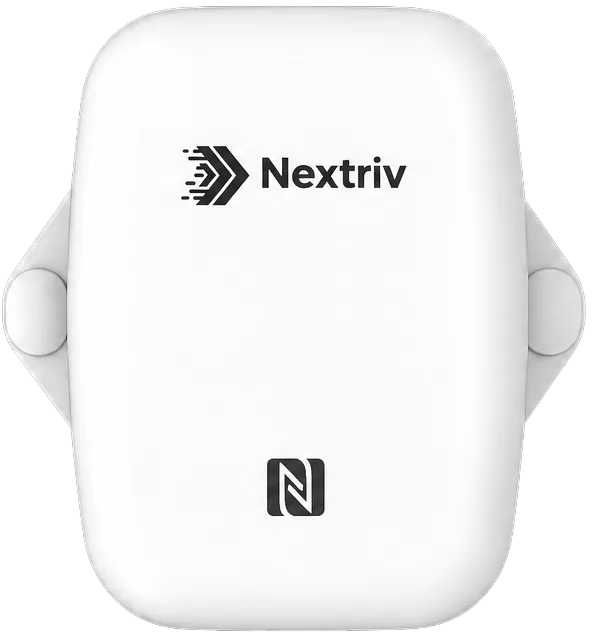
The source of the alerts is physical infrastructure: a temperature and humidity sensor such as Nextriv Sense Essential at the rack air intake watches thresholds aligned with ASHRAE guidance, while its battery-powered design and long-range radio connectivity mean zero cabling and zero dependence on the server room LAN.
Less noise: filters, quiet hours, limits
Connecting the channel is the beginning. What decides the quality of an on-call shift is what lands on that channel — and this is where notification rules do the work:
- Per-channel filters. Rules narrow notifications down by sensor, location, metric and severity level. A typical split:
#infra-warningsgets warnings from the whole site, while#infra-criticalgets exclusively critical events — and only the latter has mentions enabled for the on-call engineers. - Quiet hours. Low-severity notifications can be muted at night and on weekends; critical ones always get through.
- Rate limiting. At most 3 notifications per 5 minutes per recipient — even a flapping metric will not turn the channel into a stream of noise.
A good example of an alert that should exist but should wake nobody is the noise trend of the cooling units: a sound level sensor reports SPL, Leq and Lmax, and fan noise rising week over week is an early sign of mechanical wear. A warning on the channel during working hours — yes; an SMS at three in the morning — no.

When SMS does make sense: escalation policies
SMS does not need writing off — it needs putting in its proper place: as an escalation, not the first contact. Escalation policies in Nextriv work in steps: each step has a delay, a condition ("always", "if not acknowledged", "if not resolved") and recipients — specific users, groups, roles or external contacts.
A proven setup for a DevOps team looks like this: step one — an alert on the Discord or Teams channel the moment the event opens. Step two — if nobody acknowledges within 10 minutes, an SMS to the on-call engineer. Step three — no acknowledgement for another 15 minutes and an SMS plus e-mail go to the team lead. The phone vibrates only when the channel has failed — which is rare, and exactly why it makes an impression again.
The whole thing is accountable: the notification delivery history shows when and through which channel every message went out. After an incident there is no "I never got the alert" debate — there is a record of what was sent, to whom and at what time.
Beyond chat: webhooks into your own tooling
For teams that close the loop in a ticketing system, webhook integrations (a paid-plan feature) run alongside the chat channels: an alarm event is delivered as an HTTP request to your ITSM, CMMS or your own API — with the ALM code and full context. The Discord alert informs people, the webhook opens a ticket, and the status history ties one to the other. The remaining data outputs — from MQTT to exports — are described on the integrations page, and the complete alarm scenario for a server room, from threshold to escalation, is covered in the server room and data center solution.
Try it on your own channel
The fastest way to judge the difference is to connect a test channel and watch the first alert live: a sensor at the rack air intake, a Discord or Teams webhook and one rule with a warning threshold. All notification channels are available on every plan — details in the pricing. And if you would rather start with a conversation, book a demo: we will configure an alert on your channel during the meeting.